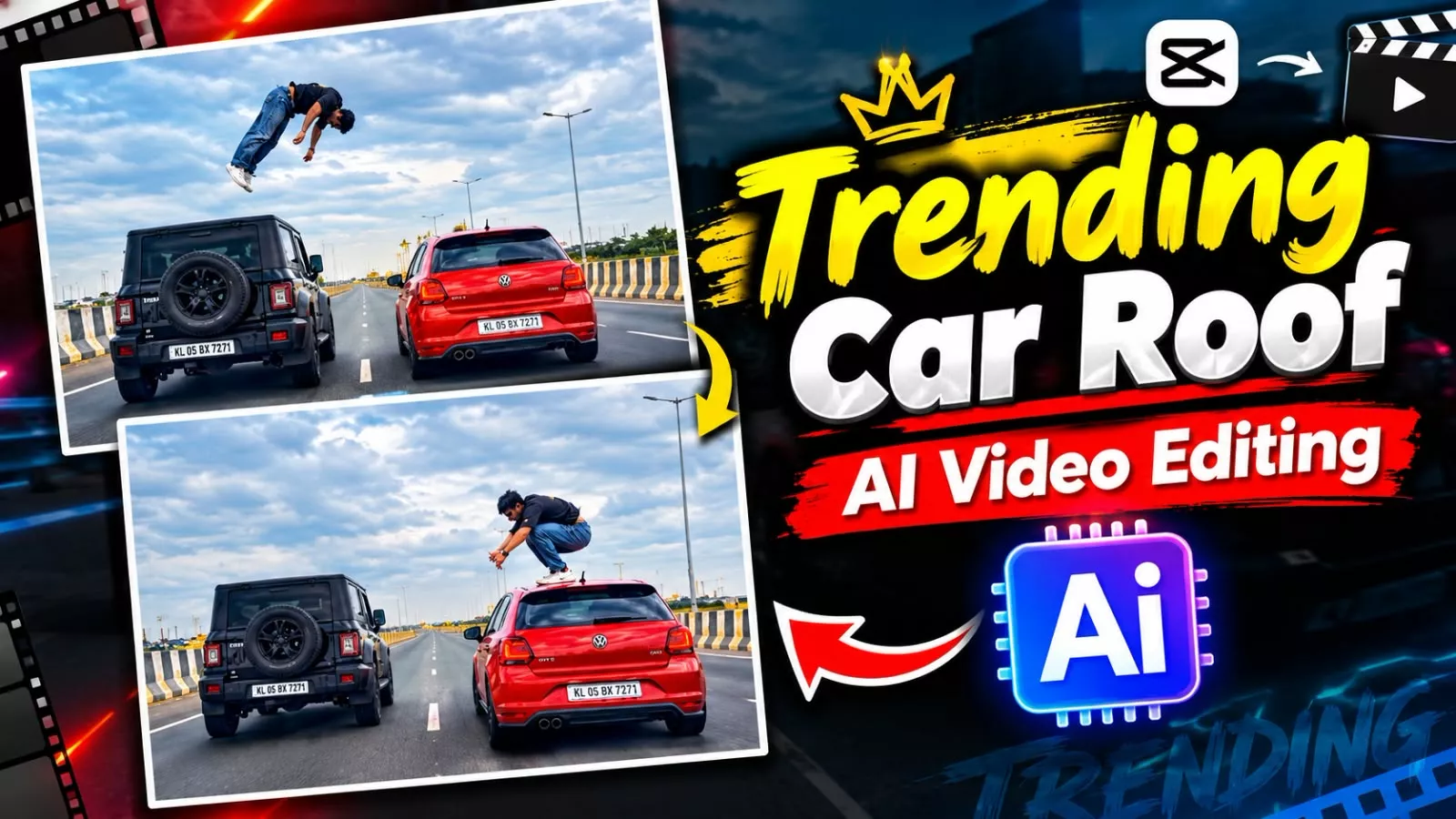
Car Roof Backflip Ai Video Editing – You have likely seen those viral social media videos featuring people jumping onto vehicles. People are gaining massive popularity by creating such videos using AI, and you can easily create them too. If you want to produce professional-quality videos, it is entirely possible today—and you can achieve excellent results. In this article, we will explain the entire process, covering two different methods. Both yield fantastic results, so you can choose whichever one suits you best; either way, your editing will turn out perfect. I will provide a step-by-step guide on how to create them; simply follow the instructions carefully to get started.
Details Of Car Roof Backflip Ai Video Editing
First, let’s look at what is shown in the video. What you see here involves a person jumping from one vehicle to another; it creates a unique kind of content that is achieved through editing. This isn’t actually done in real life—it is only possible via editing—but that is the effect being showcased. You simply need to use one of your own photos, and a viral-style video like this will be ready for you. Since this has become a new trend on social media, I am sharing this editing technique with you.
How To Generate This Ai Video?
We will use two tools to create this. Both methods are completely free, and we will use Google Gemini for both; you will get great results from both. I will walk you through the proper steps, and you might also discover some unique tricks for each, so be sure to follow along.
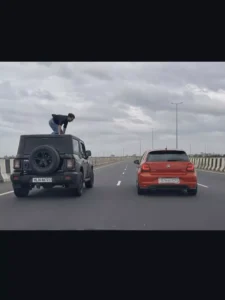
"A cinematic shot from a trailing vehicle on a wide highway under a cloudy sky. A black SUV and a red hatchback are driving parallel to each other at the same speed. A man wearing a black shirt and blue jeans climbs out of the side window of the moving black SUV onto its roof. Once on the roof, he performs a spectacular backflip across the gap between the cars, and lands safely on the roof of the moving red hatchback. Realistic action stunt, dynamic motion, highly detailed."
How To Generate With Google Gemini?
First of all, we will use Google Gemini. What we do in this is that first of all we copy the prompt from here and paste this prompt. Then we will select the video model by clicking on the plus option. What happens is that our video gets generated correctly. Then after that, by clicking on the plus option, first you have to upload one of your photos and just click generate, then it will make a perfect video of yours and it will be ready. As you can see, how will you do its final editing. I will tell you about that later. There is another second process in this that when you are uploading the photo there, you can also upload that video along with it. As a reference and then when you generate, the perfect video is ready.
How To Generate With Google Flow Ai?
To create this on the Google Flow website, you need to follow the specific process there. First, copy the prompt and visit the Google Flow website. Sign up and start a new project. Click the plus (+) icon to upload the reference video and the photo. Set the aspect ratio to 16:9, paste the prompt, and hit generate; your viral-style video will be ready. Uploading both the reference video and the photo along with the prompt will yield a perfect result. The process is essentially the same for both methods, though you might notice slight differences in the final output.
Conclusion
I hope you understand this editing. I’ve explained the method that best yielded you results. I’ve also explained the steps that will make your dating experience the best it can be. If you don’t understand anything, let us know and we’ll bring you more great tips and tricks.
![Kedarnath Ai Photo Generator [2024]](https://editingprompt.com/wp-content/uploads/2024/05/Kedarnath-Ai-Photo-Generator-2024.jpg.webp)