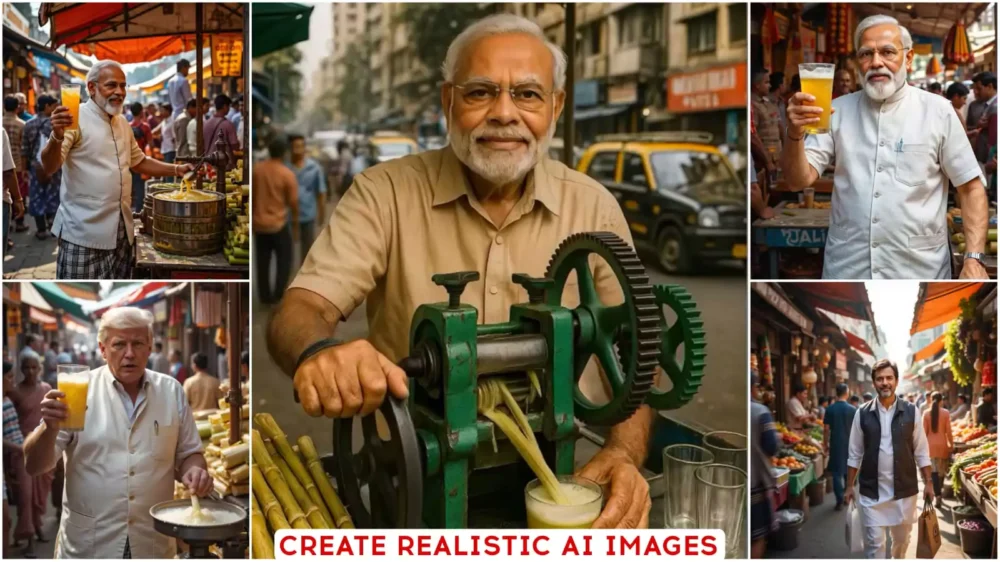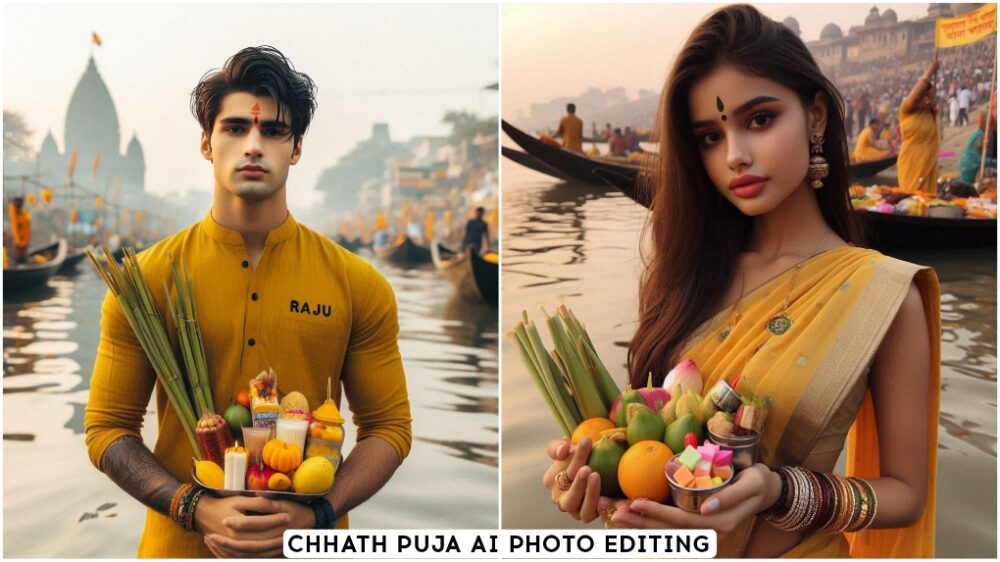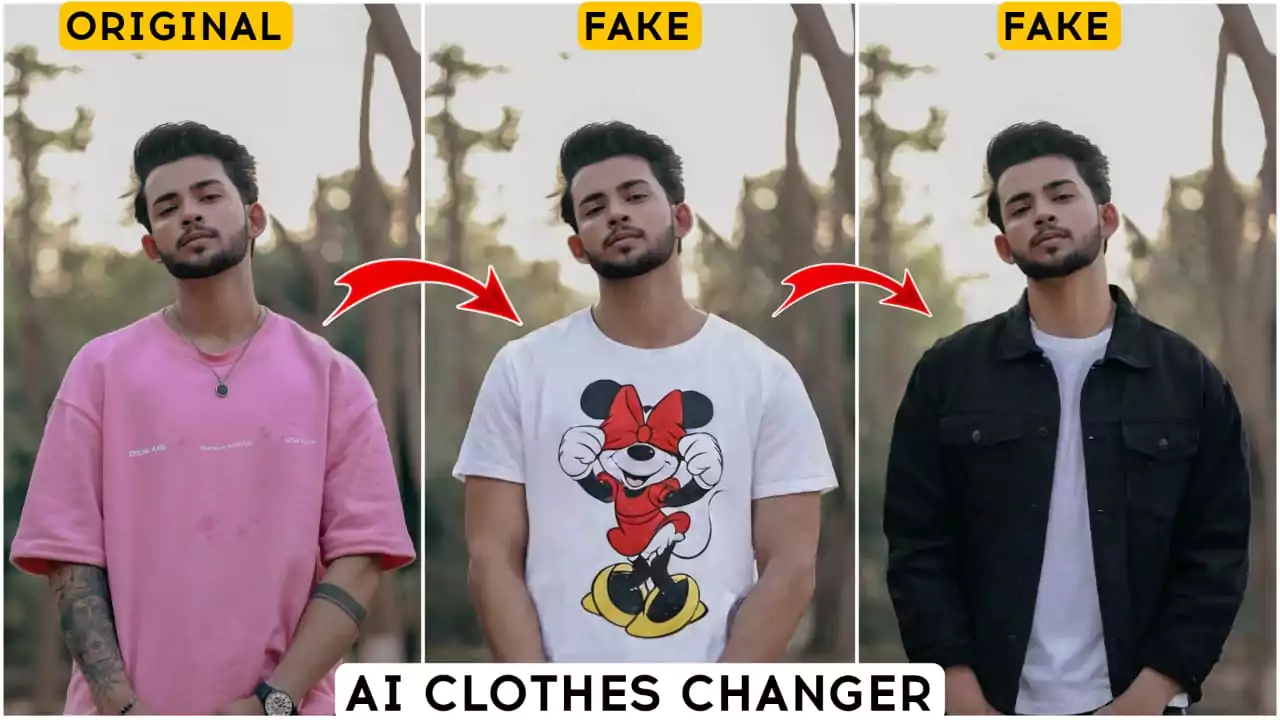
Trending Ai Video Editing Prompt – On social media, you come across something new every single day. Sometimes it’s a cinematic AI-generated video that goes viral, while at other times, it might be a funny animation featuring an animal. Occasionally, a video appears that is so realistic, it’s impossible to tell whether it’s AI-generated or actual footage. In my various articles, I provide the specific prompts you need to create such videos. With today’s technology, making these kinds of videos is quite simple—all you need is the right prompt. You don’t even need a professional camera or expensive equipment. That’s why I’ve decided to create a dedicated article where you can find all these trending prompts, clearly labeled so you know exactly which prompt to use to create your own videos.
What are these “Trending Ai Video Editing Prompt”?
You know how, when you see a viral video on social media, there’s a specific prompt used for its creation or editing? In this article, we will provide you with those very prompts. For instance, if you want to create a cinematic video, you’ll need the right prompt—which we’ve included here. We have organized them by category, presenting everything line-by-line alongside the corresponding images. You can simply copy and use them.
Create Ultra-Realistic AI Videos Using Google Flow & Gemini
You can use these prompts in any AI tool. For instance, you can use them with platforms like Google Flow or Google Gemini. With Google flow, you can create highly realistic videos—and it’s completely free, making it a great option for beginners. Many of my viewers and subscribers prefer using these Google flow, and I personally recommend them as well. They deliver excellent results. While some other platforms offer high-quality video creation, they often require a paid subscription—they aren’t available for free. So, if you want to create high-quality videos without any cost, I suggest using the tools from Google, just as my viewers and subscribers do.
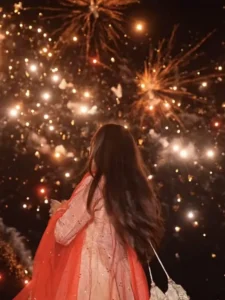
A seamless cinematic day-to-night match cut transition. The scene starts in bright daylight under a clear blue sky, showing a joyful, beautiful young Indian woman with long dark hair twirling in a slow-motion spin, wearing an elegant cream-colored embellished Anarkali lehenga with a flowing bright red dupatta. As she spins and her red dupatta sweeps across the camera, the scene seamlessly transitions mid-twirl into a pitch-black night illuminated by bursting golden fireworks and sparkling firecrackers. She continues spinning smoothly into the night scene, looking up and laughing with an ecstatic smile, holding a potli bag. Warm rim lighting from sparkling fireworks, festive Diwali aesthetic, photorealistic 8k, fluid motion continuity, seamless transition.
Note –
Keep in mind that these articles will provide you with all the necessary editing prompts. You simply need to copy the prompts and understand the creation method. This will yield much better results and could even help your edited content go viral. So, make sure you fully grasp the video creation process, and once you’ve created your videos, let us know!
How To Generate Video?
There are several methods available for creation. Each approach uses a different technique—some utilize Google Flow, others incorporate videos or photos, and some offer a “text-to-video” option. You can choose the method that works best for you. To get started, open Google Gemini or Google Flow and sign up. Upload your reference photo, enter your prompt, and generate the content; your viral-ready video will then be created.
Conclusion
Follow this article and create great videos of your own, and let us know how you liked the method. I’ve tried to explain everything in the best possible way and with the best results. If you don’t understand something or can’t create one, please ask us in the comments and we’ll explain it to you. How will you be able to create them?