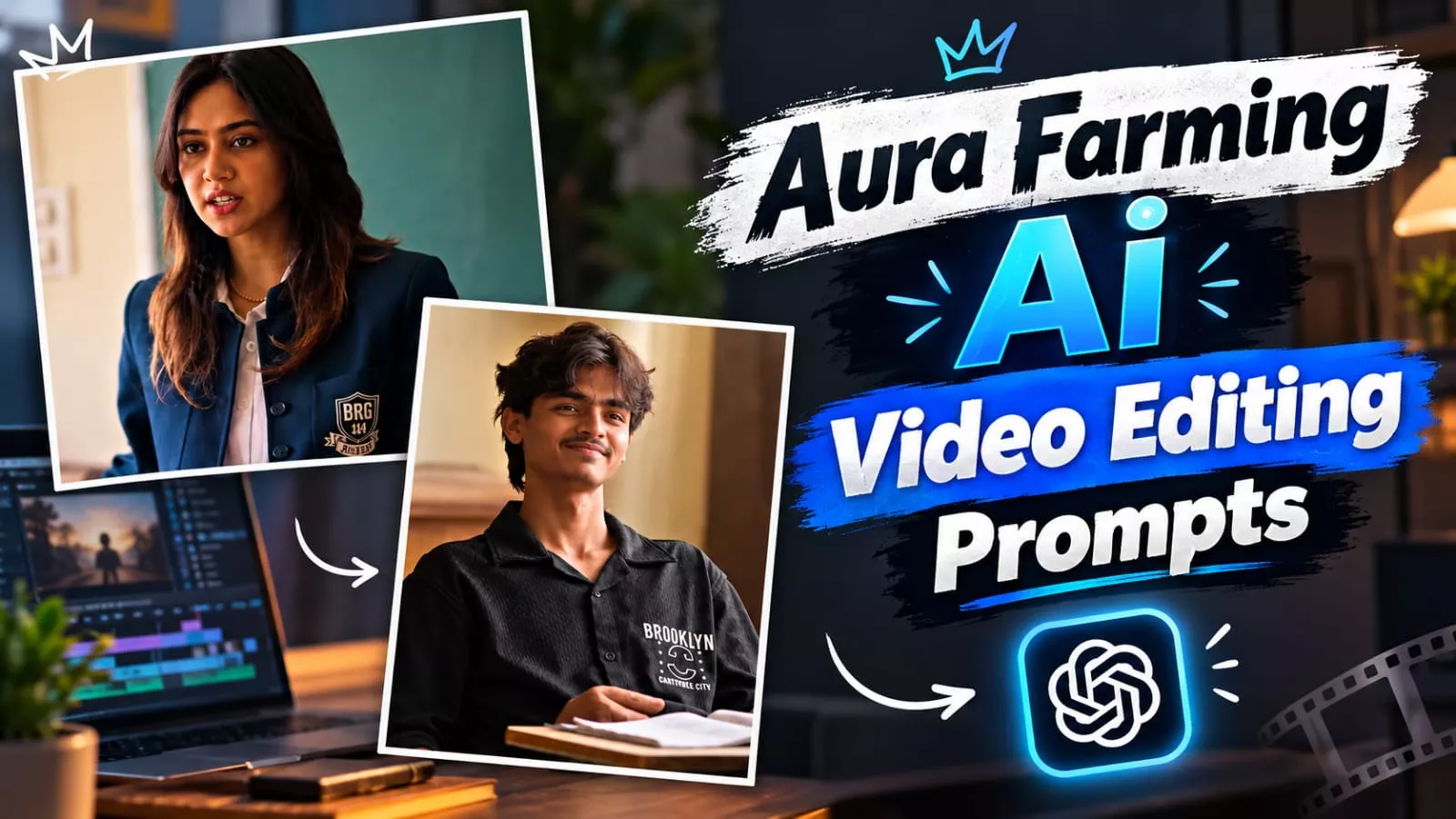
Aura Farming Korean Ai Video Editing Prompt – Videos featuring “Aura farming” have recently gone viral on social media; you will see that people are gaining popularity by creating this type of content. Creating these videos is quite easy, and you don’t need to go through a complex process. I will show you how to create them in a simple, straightforward way. You won’t need any paid subscriptions for this; we will use a completely free method that even beginners can easily follow. I will guide you step-by-step through the creation process—just follow the steps to make your own.
Details Of Aura Farming Korean Ai Video Editing Prompt
So, here is how the video is created. Let me explain what the video looks like and what you will see in it. In the scene, there is a class teacher present who asks some students to sit down, but they refuse to listen. Then, you enter the classroom and simply tell them to sit; they immediately sit down on their own. The teacher then looks at you. An edit is created from this, and it turns out to be quite amazing, featuring a variety of different effects. This is the trend that is currently popular, and we are going to learn how to create it.
Method Of Creating This Video
To create this edit, we will follow two processes. First, I will explain the initial process. Then, we will discuss the second process and I will show you how to create it. If you want to create this, make sure to understand Google Gemini and Flow; we will be using these tools for the creation.

Use the uploaded reference video as the exact motion reference. Track the main subject’s full-body movement, posture, head movement, shoulder movement, hand/arm gestures, walking direction, weight shifts, and facial reactions frame-by-frame.Preserve the original body-motion timing and choreography as closely as possible. The generated subject should follow the same poses, transitions, head turns, body orientation, gestures, and natural pauses as the reference video.Keep human anatomy realistic and stable throughout the entire clip. Maintain consistent face, hairstyle, clothing, body proportions, and identity. No unnatural limb movement, no extra fingers or limbs, no body warping, no sudden pose changes.Match the original camera movement, framing, perspective, shot transitions, and pacing. Keep the motion smooth, cinematic, realistic, and physically believable. Use subtle natural secondary motion in the hair and clothing while maintaining accurate body-motion tracking.IMPORTANT: Prioritize accurate motion transfer from the reference video over creating new choreography. Do not change the timing or direction of the subject’s movements.
How To Generate With Flow Ai?
To do this, open Google Flow (or the relevant tool); go to “New Project” and click the plus (+) icon to upload both a reference video and a photo of yourself. After uploading them, paste the prompt—which I have provided in this article—into the designated area. Finally, select both the video and the photo and hit “Generate”; this will create a perfect video for you.
How To Create With Gemini?
To create something using Google Gemini, first open the application. Click on the plus (+) option and select the video model. Then, using the plus option again, select a video followed by a photo, and generate the output; this will create a high-quality video for you. You can create it using these two methods.
Conclusion
I have explained the entire editing process to you in full detail, so you likely have a clear understanding of it and haven’t encountered any issues. However, if you do face any problems or don’t quite understand something, feel free to ask by leaving a comment. There is one more thing you need to understand: when generating videos using AI tools, you rarely get a perfect video on the very first attempt. While it is great if you do, you will usually need to try two or three times to achieve a perfect result.