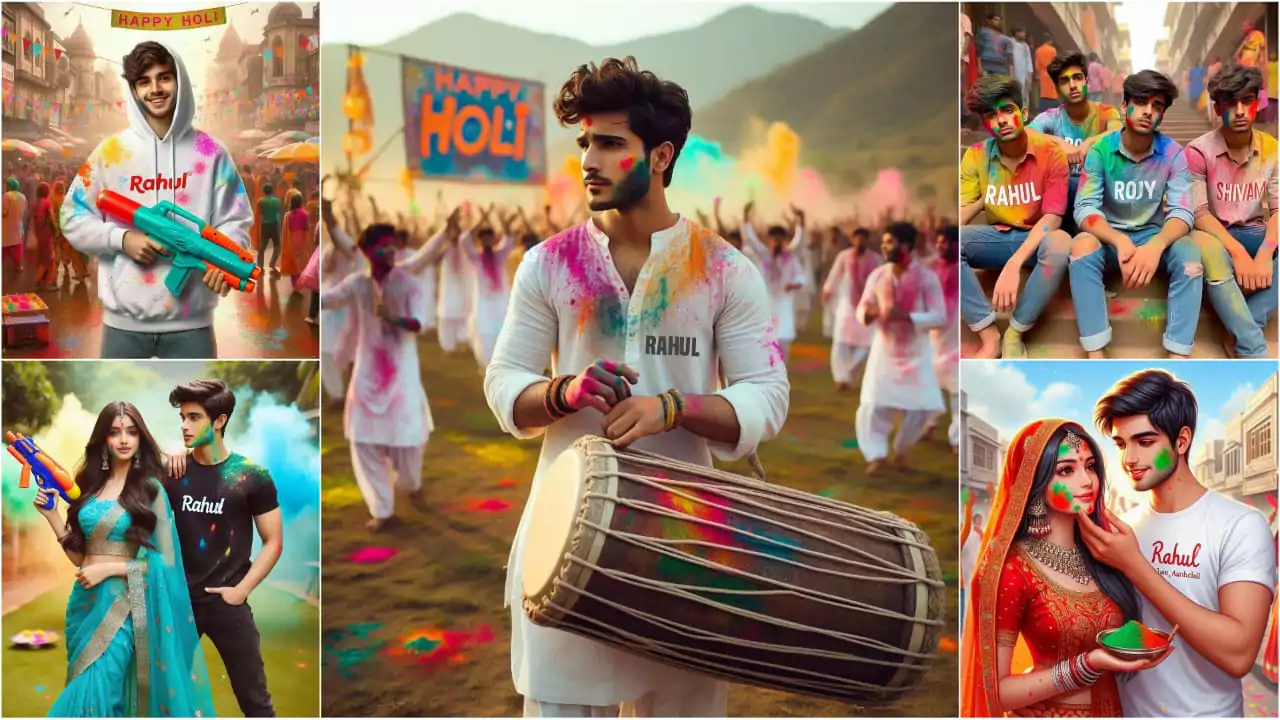
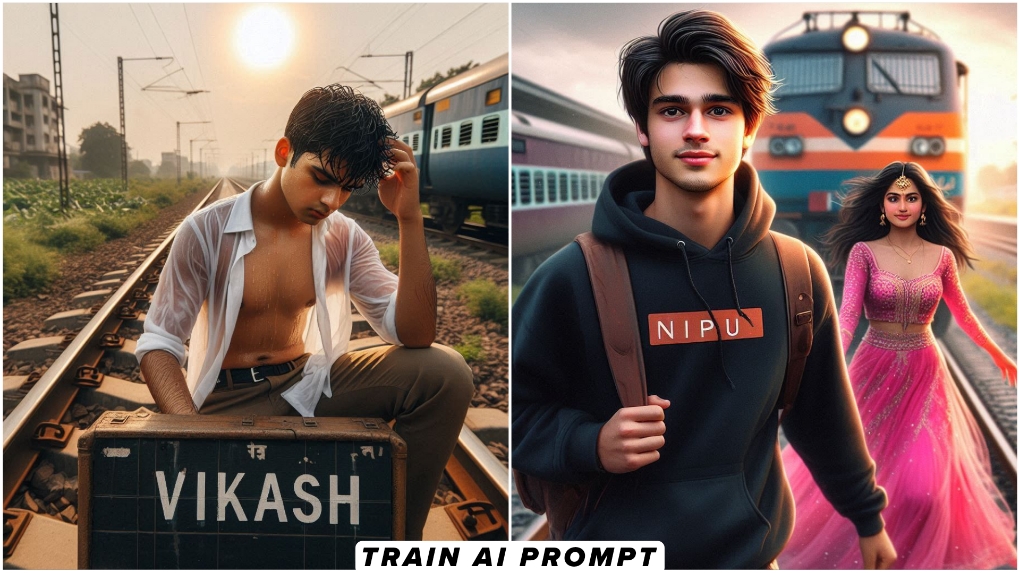
Happy Holi Ai Video Editing – Everyone is teaching you Holi photo editing. I want to teach you something unique, something very few people are doing and not many people seem to notice. But I’ll tell you in this article how you can make videos like this. Normally, you post your photos. I’ll tell you that in today’s times, you can also make your own videos using AI. That too, completely realistic ones, with a 100% Holi feel. It will look absolutely Holi-esque, so I’m going to bring you different topics on this. If you ask, I’ll continue this article. For now, in this article, I’m going to teach you how to edit a Holi video. We’ll create it using AI and tell you how to make it. Step by step, I’ll explain what kind of videos you can make.
Details Of Happy Holi Ai Video Editing
It’s very important to explain the style of this video. Look, normal videos don’t work on Holi. You need to create a unique video that’s truly Holi-themed. I’ll explain the full reason for that now. Look, when our video clip starts, you’ll see two people sitting there. Instead of two, you can sit alone and make your video. I’ll explain what kind of photos to use later. What happens there is that you’re sitting there. A car comes driving from the other side, and a girl gets out of the car. She applies color to your cheeks and says, “Happy Holi.” The website automatically generates your video. You just need to provide your reference image. If you want to add your photo, I’ll explain everything further. Just read the article carefully.
What kind of reference image do you need?
This is the most important thing, because if you don’t use the right reference image, you won’t get the results you want. Like the videos of people going viral, or you yourself won’t be satisfied with watching such videos. I’ll tell you how to use a reference image. Now, understand how to use a reference image. What you do: You’re sitting in one place. Now, tell your roommate, wherever you are, to move to the left and click my photo from the left. Stay in this position, either facing forward or facing the room. The photo can be taken from your left side, the other side, or even the right side. Now, select one of the two sides. Click on that image. Be sure to show the path in the rear area. Show the path. Your video should look more natural, because any vehicle coming in will have to come through the path. You have to show the way and use this photo.

Use uploaded photo as main subject (boy sitting, same face and outfit unchanged). Bright Indian Holi festival daytime. A colorful car arrives in slow motion, decorated with gulal. Behind it, joyful girls run throwing pink, yellow, and blue colors in the air. Car stops near the boy. A girl wearing white salwar kameez with Holi colors on her clothes steps out, walks to him smiling, gently applies pink color on his cheeks and says “Happy Holi.” Cinematic lighting, slow motion color splash, realistic, 4K, Bollywood festive vibe.
How To Generate Your Video
I’ve explained this entire editing process using a structured image. You’ll need to go to which website and do exactly what you need to do. I’m explaining it here and in writing so you won’t have any difficulty understanding. You’ll first be given a prompt here. Copy it. Then, below, you’ll find the Google Flow button. Click on it and go directly to the website to sign up. You’ll find the “Create with Flow” option. Once you’ve signed up, you’ll see a “New Project” option. Click on it. If you’re visiting for the first time, you’ll find the “Make a Nano” option below. Click on it and select the “Video” option at the top. From there, select “Frame.” Next, select “Portrait” in the “Rain” section. Set the “Video” result to 1x. This will generate only one video, saving you from using additional credits. After that, go to the “Plus” option and upload a normal photo. I just described the photo’s details, and what it should be. Then, paste the prompt you copied. Then, click Generate and wait a few seconds until it reaches 100. Your video will be ready.
Some mistakes that you should not make while using the file.
You see, if you want to add something else to it, then you cannot do it here, like here that girl says Happy Holi and now you have to say something else in your other way as well, so the videos that are created by people, in that 8 second video is created and you want to make this video longer by writing more things in the prompt, then that is difficult. If you want extra, then I will tell you. Follow that process, when you create the video, you will get the option of extend there. What you have to do is take a screenshot of the ending frame of this video and then send whatever you want in the prompt and different things, it will make your next frame ready. With this, you can generate many more videos by combining them.