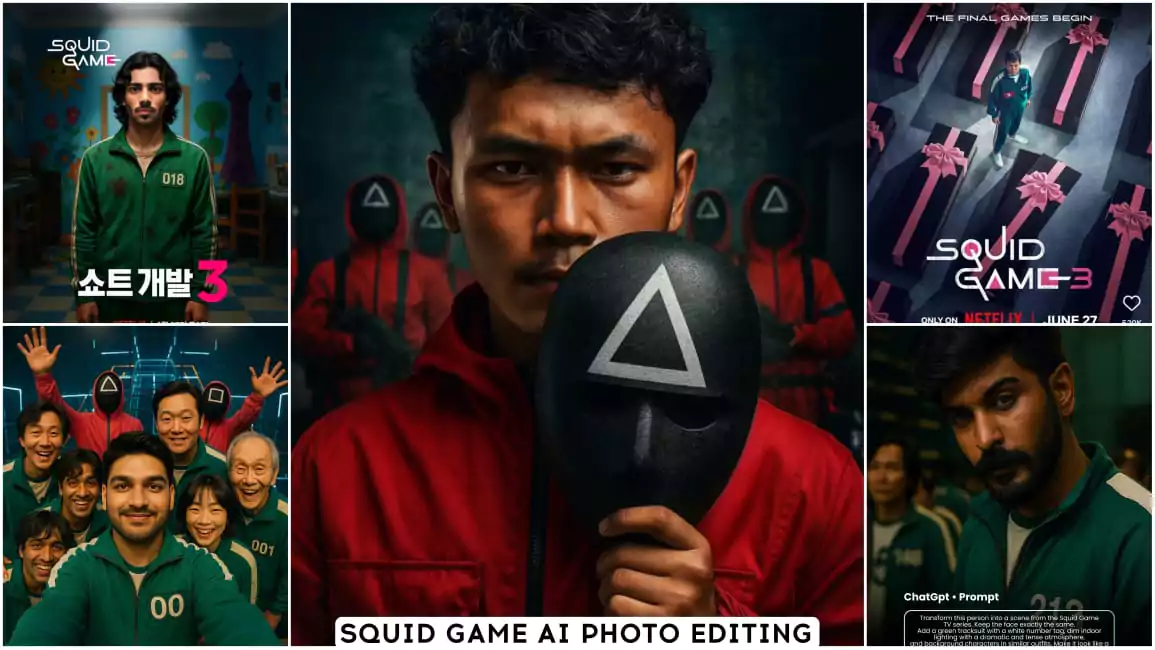
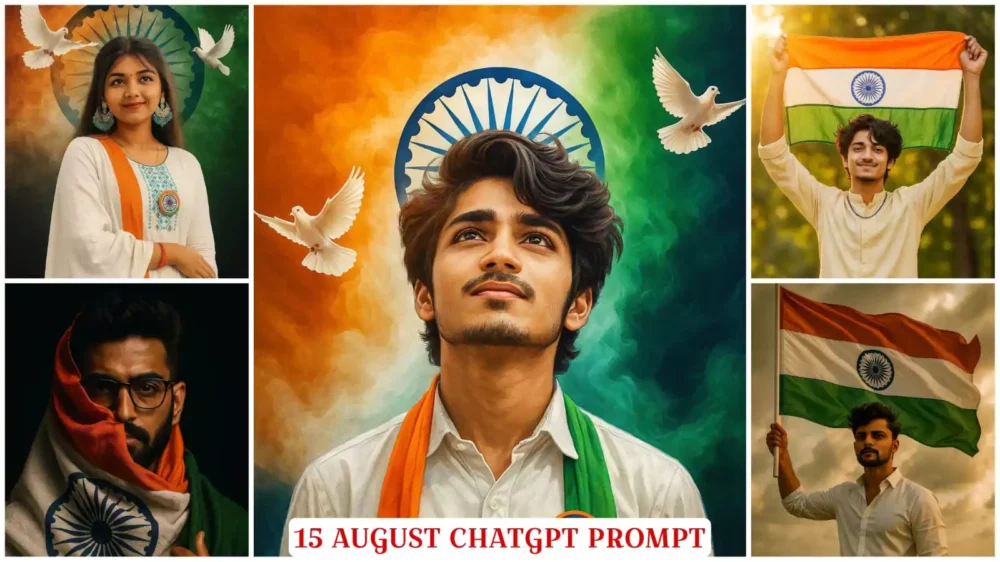
Google Gemini Couple Dp Ai Photo Editing Prompts – Nowadays, from Instagram to many other social media platforms, you will see such aesthetic couple DPs trending. If you too want to make such a couple DP, you can make it easily with the help of this tutorial. If you have no knowledge of editing, you don’t even know what editing is, then with the help of Google Gemini, I will teach you how to make such a professional type DP. Besides, it is also going viral. Below, we will learn step by step how we can create this viral couples DP. If you want to create such a DP for completely single people, it is already given on the website. You can use that too. You can search for DPs and you will find them.
How to Ready Perfect Photo For Editing
See, what kind of photo do you have to upload in Google Gemini. So that your photo is absolutely perfect, your face, your face glow, it does not diminish at all. So, first of all you have to click your photo in your natural lighting. You will click it during the day time. You will get the best result. Along with this, you also need clarity in your face. You are clicking the photo. It should come out well in the camera you have. If the face is clearly visible then your photo will be generated well. Your hair and the outfit, that is, the clothes you are wearing, keep it absolutely simple, keep it plain, in one color, then from that how will you make an aesthetic DP. We will tell you the process about this further.
How To Use Google Gemini Couple Dp Ai Photo Editing Prompts
Now, to make this DP, you need to select the photo I mentioned. After that, you need to open Google Gemini. You’ll be given a button there, which allows you to open it directly. First, paste the prompt. Paste whatever prompt is provided there. Then, go to the “Plus” option and upload the photo. After that, you can upload photos as you please. You can upload photos of two people here, your partners, or for singles, but there aren’t any prompts for that. I’ve already explained about them on my website. So, paste this prompt here. Choose the style that suits you. Then, click on the “Generate” option. Wait a few seconds, and it will create a stunning photo for you.
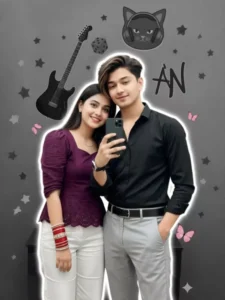
"Ultra-realistic young Indian couple taking a mirror selfie, faces and hairstyles 100% match uploaded images, hairstyles perfectly set.
Boy: Black slim-fit shirt (one button open), light grey trousers with crisp crease, black leather belt, silver/steel watch, one hand holding phone, other hand in pocket, confident and relaxed.
Girl: Deep purple Schiffli-embroidered top with puff sleeves, scalloped hem, white straight-fit trousers. Accessories: Bridal Chooda (red/cream with stones/kundan) and modern minimalistic mangalsutra.
Pose: Romantic, boy slightly behind, girl leaning softly, smiling at camera, chooda and mangalsutra visible.
Lighting & Effects: Realistic lighting with soft white outline glow.
Background: Modern grayscale collage with electric guitar, headphones, dice, cat-face decor, 3D stars, 'AN' graffiti, subtle pink butterflies. Instagram-style HD edit, clean, balanced composition."
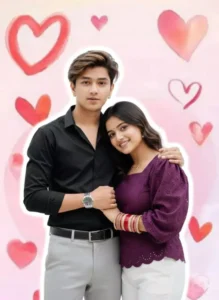
"Ultra-realistic young Indian couple, 100% matching the character reference, stylish and modern.
Boy: Black slim-fit shirt (one button open), light grey trousers with crisp crease, black leather belt, silver/steel watch. Confident stance.
Girl: Deep purple Schiffli-embroidered top with puff sleeves, white straight-fit trousers. Accessories: Bridal Chooda (red/cream) and modern minimalistic mangalsutra.
Pose: Romantic, boy standing slightly behind the girl holding her hand, cozy and intimate vibe.
Background: Soft pastel pink background featuring artistic watercolor-style red and pink hearts, romantic love theme, clean and cute design."
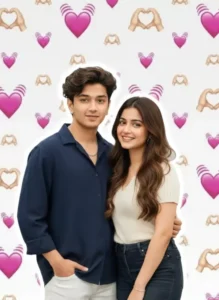
“A cute young couple standing close together, posing naturally and smiling softly. The boy has medium-length styled hair, wearing a navy-blue loose shirt with sleeves slightly folded and white pants, one hand in pocket. The girl has long wavy brown hair, wearing a cream-colored short-sleeve ribbed top and dark high-waisted jeans, giving a warm and cheerful smile.
Both are standing side-by-side, the boy's arm gently around the girl’s waist, creating a sweet romantic moment.
Background is a soft white backdrop filled with floating pink heart emojis and hand-heart emojis in a repeating pattern, giving a cute aesthetic love vibe.
Bright lighting, clean outline glow around the couple, high-quality DSLR portrait style, smooth skin, natural expressions, realistic details, vibrant colors, soft shadows, and aesthetic couple-photo composition.”

A stylish young man taking a mirror selfie, wearing a navy blue loose shirt and white pants, holding the shirt casually with one hand, minimal jewelry, curly hair, realistic lighting, and soft white outline glow around him. The background is a modern grayscale aesthetic collage with elements like electric guitar, headphones, dice, cat face decor, 3D stars, and "STAR" graffiti text.portrait photo. Keep my face 100% same as in the reference image. Edit these photo to look like a beautiful couple.
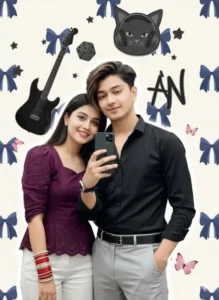
"Ultra-realistic young Indian couple taking a mirror selfie, faces and hairstyles 100% match uploaded images, hairstyles perfectly set.
Boy: Black slim-fit shirt (one button open), light grey trousers with crisp crease, black leather belt, silver/steel watch, one hand holding phone, other hand in pocket, confident and relaxed.
Girl: Deep purple Schiffli-embroidered top with puff sleeves, scalloped hem, white straight-fit trousers. Accessories: Bridal Chooda (red/cream with stones/kundan) and modern minimalistic mangalsutra.
Pose: Romantic, boy slightly behind, girl leaning softly, smiling at camera, chooda and mangalsutra visible.
Lighting & Effects: Realistic lighting with soft white outline glow.
Background: (No background details from the original request, the background elements were generated based on the uploaded image's existing background details:) Modern grayscale background with black electric guitar, black dice, black cat-face decor with headphones, 3D stars, 'AN' graffiti, and subtle pink butterflies. Instagram-style HD edit, clean, balanced composition."
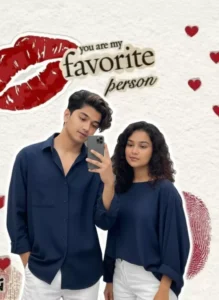
"A stylish young couple taking a mirror selfie. The man has curly hair and is wearing a navy blue loose shirt and white pants. The woman has curly hair and is also wearing a navy blue loose shirt and white pants.
The lighting is realistic, and there is a soft white outline glow around both subjects.
The background is a modern grayscale aesthetic collage with the following elements: an electric guitar, headphones, a dice, a cat face decor, 3D stars, and 'STAR' graffiti text.
Portrait photo."
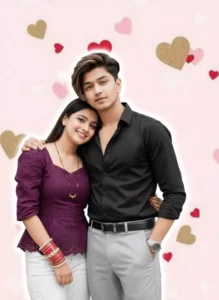
"A high-quality, realistic photo of a young, romantic Indian couple posing together against a soft pink background. The man is handsome with stylish, voluminous hair with brown highlights, wearing a fitted black button-down shirt with top buttons open, a black leather belt, and light grey formal trousers. He has one hand in his pocket and a silver watch on his wrist. The woman is beautiful and smiling brightly, leaning her head affectionately on the man's shoulder. She is wearing a dark purple peplum top with intricate lace or eyelet embroidery and white trousers. She is adorned with traditional red bridal bangles (Chura) on her wrist and a simple gold Mangalsutra necklace. The background is decorated with floating red, pink, and gold glittery hearts. The couple has a subtle white glowing outline around them, giving it a sticker-art or social media edit aesthetic. Soft studio lighting, 4k resolution."
How To Change Normal To Aesthetic Background
Changing the background aesthetically is also a different process. For example, Google Gemini blurs the background of our photo or adds some texture, which looks unique. A stock is created around our body and features, which we also call a cutout effect. Our background here appears somewhat different. Aesthetically, our photo is generated in a completely realistic way, and what is done to it is very clearly visible. For example, a sunset is shown, with a slight blur. This makes the photo even more amazing. We’re not talking about that, let’s talk about it here. Regarding DPs, the DP style is a different type of style. It is also quite popular. Once you see it, you’ll immediately want to create a similar photo.
Conclusion
If you are making a DP, then while saving it you have to keep in mind that the size of your photo should be 1:1 i.e. square. Always keep the quality high and always keep the border around the square. This makes our DP more attractive and you do not have to compress the file size. Upload directly. In this way, making our couples DP from Google has become very easy. Whether you make one for couples or for single people. Now you can make such a DP very easily. It has become very easy even for those who do not know editing at all. So you can make this photo and upload it.