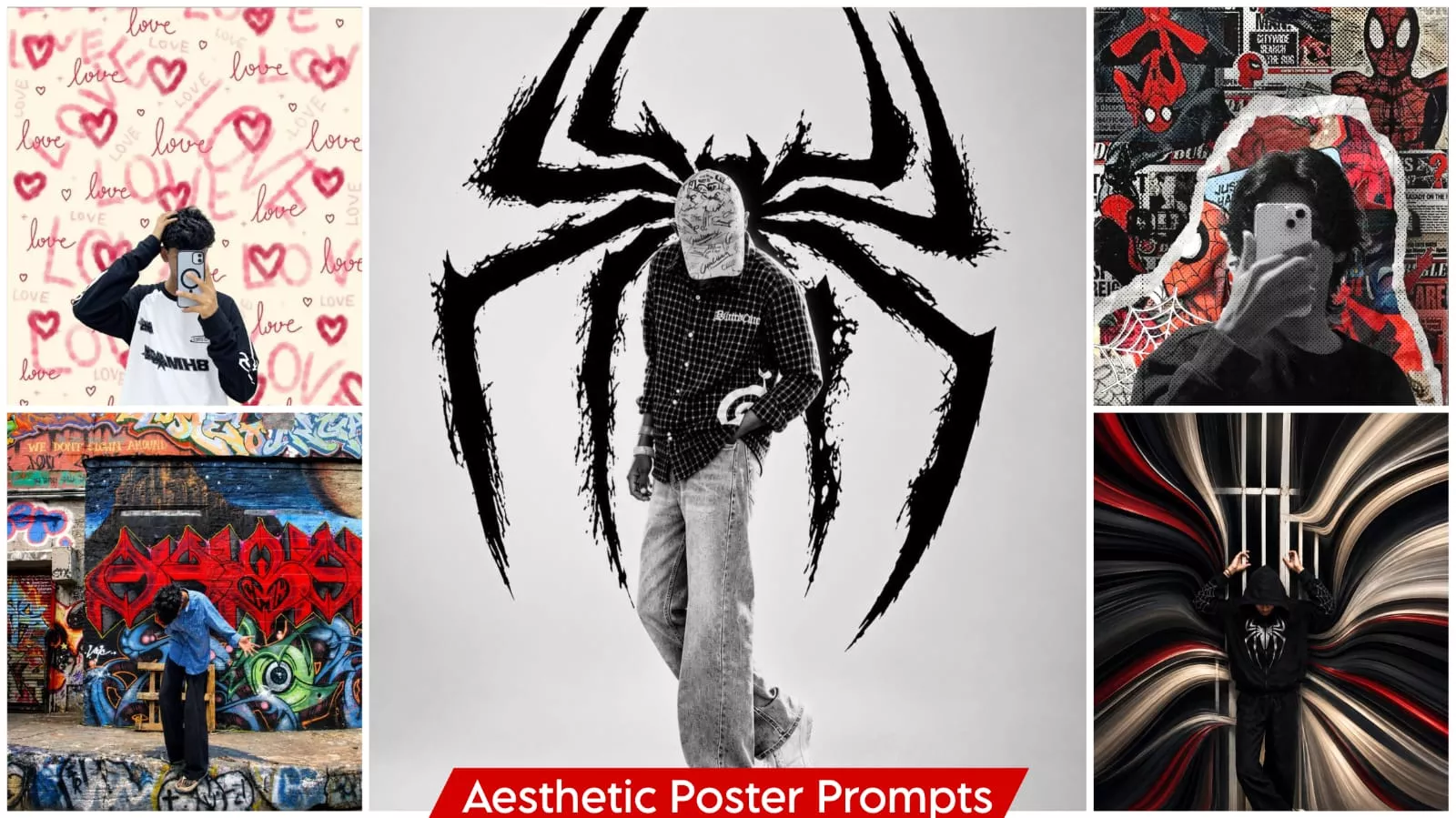
Aesthetic Poster Ai Photo Editing Prompt – On social media, you might come across certain ‘aesthetic’ posts that have gone viral—images featuring backgrounds with elements like a spiderweb or a ‘poisonous’ (venomous) motif. These backgrounds are overlaid with a painterly, artistic style rather than a flat, solid color, giving them a truly unique appearance. When a subject—like a person—is integrated into such a background, the result is a striking, aesthetic look. It’s no wonder people want to create photos like these; they often garner hundreds of thousands of likes. If you’re looking to create something distinct and one-of-a-kind, this approach is perfect for you—it offers a truly unique way to present your images.
Details Of Aesthetic Poster Ai Photo Editing Prompt
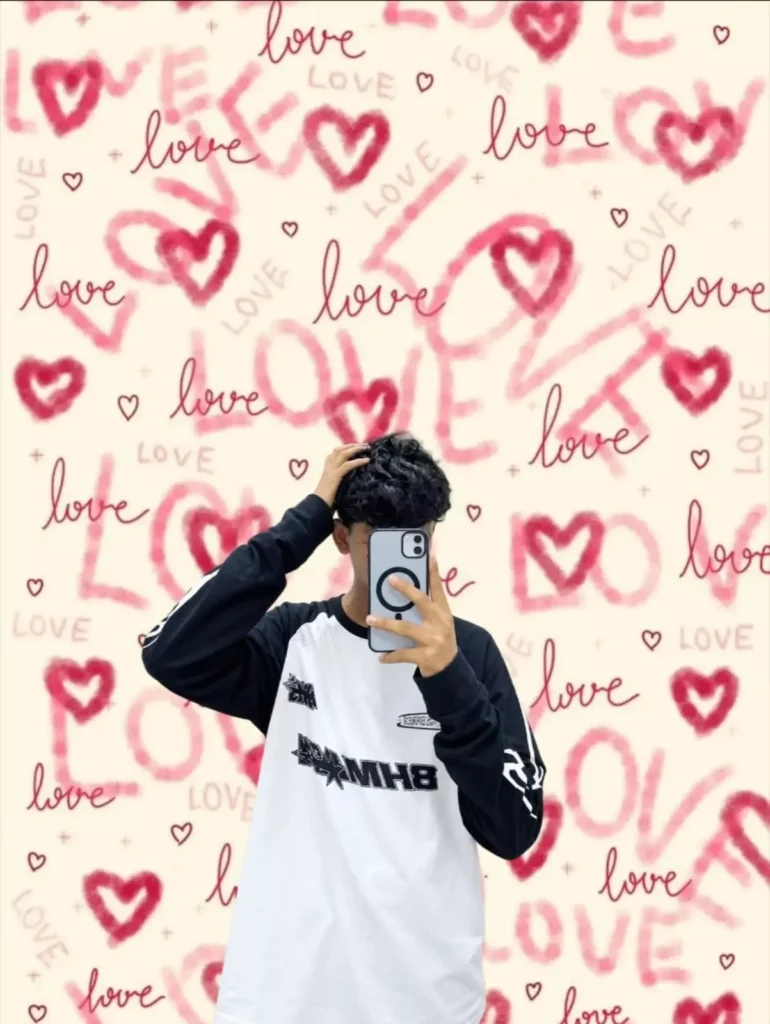
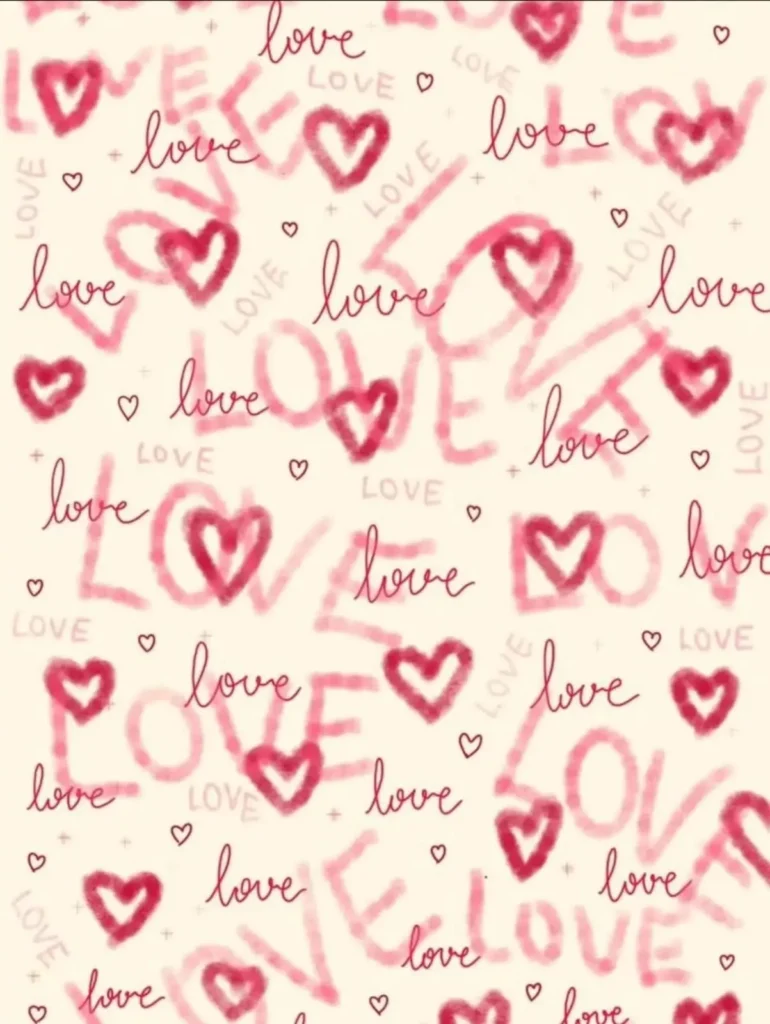
First, let me explain in detail how you’ll see photos in it, because aesthetics is where so many different ideas come to mind. In some, you apply a filter just once and your photo is ready, but you’ll see a complete background change, like a normal photo shifting onto this kind of background. I’ll explain two different methods for editing. The background you’ll see, like any shape in it, is created using a paint job. It looks like it’s been painted on, giving it a unique feel. From there, you’ll be placed in the forefront. A completely different look will be brought into your styling, which is best suited to today’s times.
What kind of photos should you use to create such images?
If you want to create a viral-worthy photo with raw, authentic results, the first step is to select a high-quality image. If it isn’t high-quality, ensure at least that your face and the lighting in the photo are clear. The image should be sharp—not blurry—so that your face is clearly visible. If these conditions are met, the resulting image will accurately feature your face and deliver an excellent outcome.
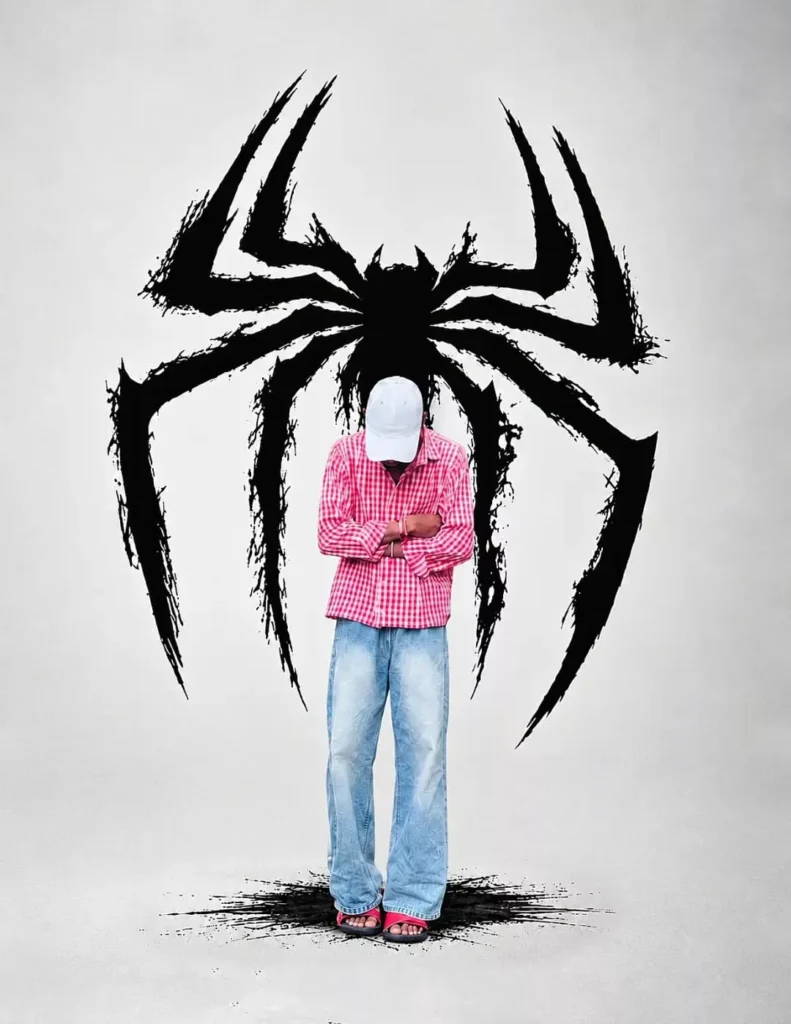
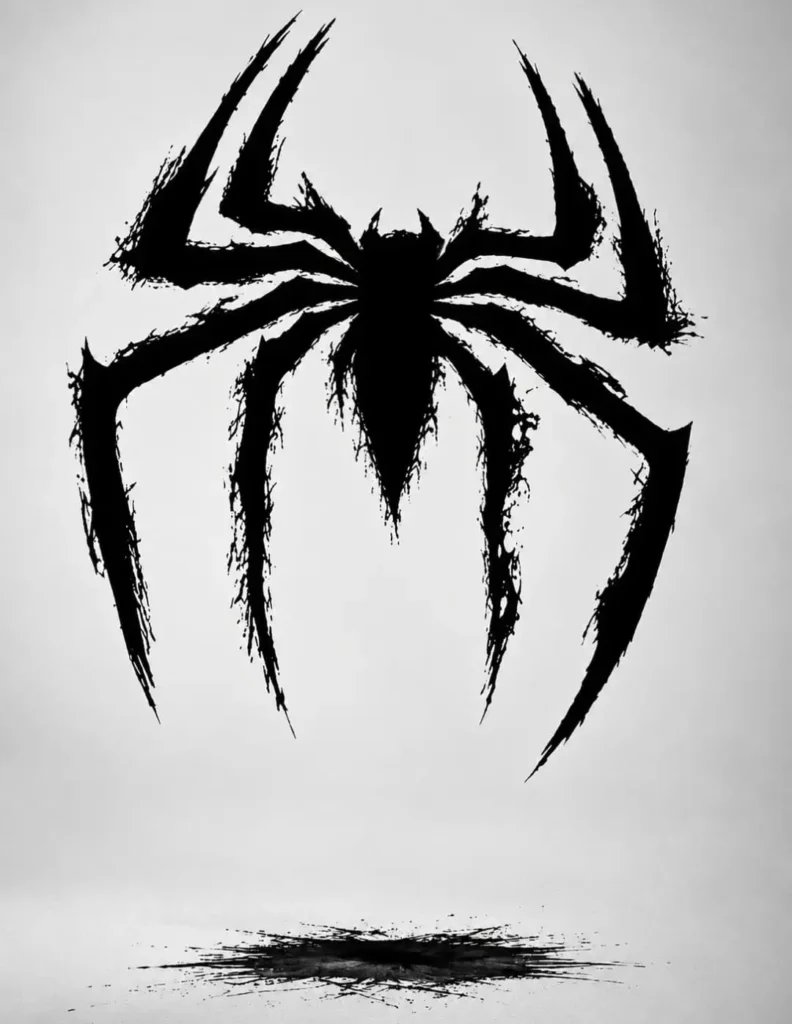
Place this person in the second photo in a realistic manner and adjust them to match the second photo; do not change anything else.

Keep the background exactly as it is-do not alter it at all-and do not change the face or body size. Enhance the image to 8K quality and set the aspect ratio to 3:4.
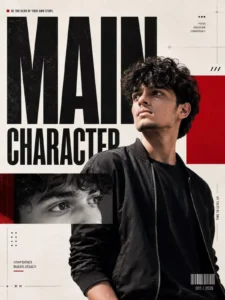
Instagram editorial poster using the uploaded portrait. Warm-white background, massive black typography “MAIN CHARACTER", subject overlapping text, one close-up face crop, vivid red accent, Swiss grid, subtle grain, high-fashion campaign aesthetic, photorealistic, 4:5. No flowers, frames, neon or unnecessary decoration
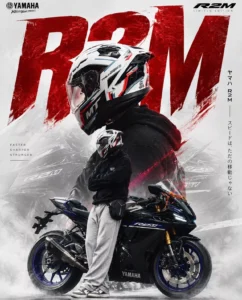
Create a high-end cinematic motorcycle poster inspired by the uploaded reference image. Replace the Honda CRF/RR motorcycle completely with a realistic Yamaha R2M sportbike. The motorcycle must look like the actual Yamaha R2M production model, with accurate fairing design, proportions, headlights, wheels, exhaust, Yamaha branding and original factory graphics.

Use my uploaded rider photo as the main subject. Keep my exact face, identity, facial features, body proportions, hairstyle, skin tone and overall appearance unchanged. Do not generate or modify my face. Keep my original helmet and riding gear if visible.

Create a dramatic double-exposure composition:

* A huge cinematic close-up portrait of me wearing my helmet in the background.
* My full-body version standing confidently beside/on the Yamaha R2M in the foreground.
* Yamaha R2M prominently visible in the lower section.
* Aggressive but premium superbike aesthetic.
* Strong red, black and white color theme matching Yamaha R2M styling.
* Clean white/light-grey background with subtle motorcycle/racing elements.
* Large bold typography behind the subject, similar to a premium Japanese motorcycle magazine poster.
* Add “R2M” as the main large background text.
* Add smaller Japanese-inspired vertical typography on one side.
* Add “YAMAHA R2M” prominently at the bottom.
* Add small premium text such as “PRECISION. PERFORMANCE. PRESENCE.”
* Professional studio lighting, realistic shadows, cinematic contrast, subtle smoke/fog around the lower portion.
* Premium commercial motorcycle advertisement / magazine cover quality.
* Photorealistic, ultra-detailed, sharp, realistic skin and fabric texture.
* No AI-looking face, no distorted hands, no extra limbs, no unrealistic motorcycle parts.
* Keep the composition vertical, elegant and powerful, similar to the reference poster.
* Do not copy Honda logos, Honda text, Honda motorcycle design or Honda branding anywhere. Everything should be Yamaha R2M themed.
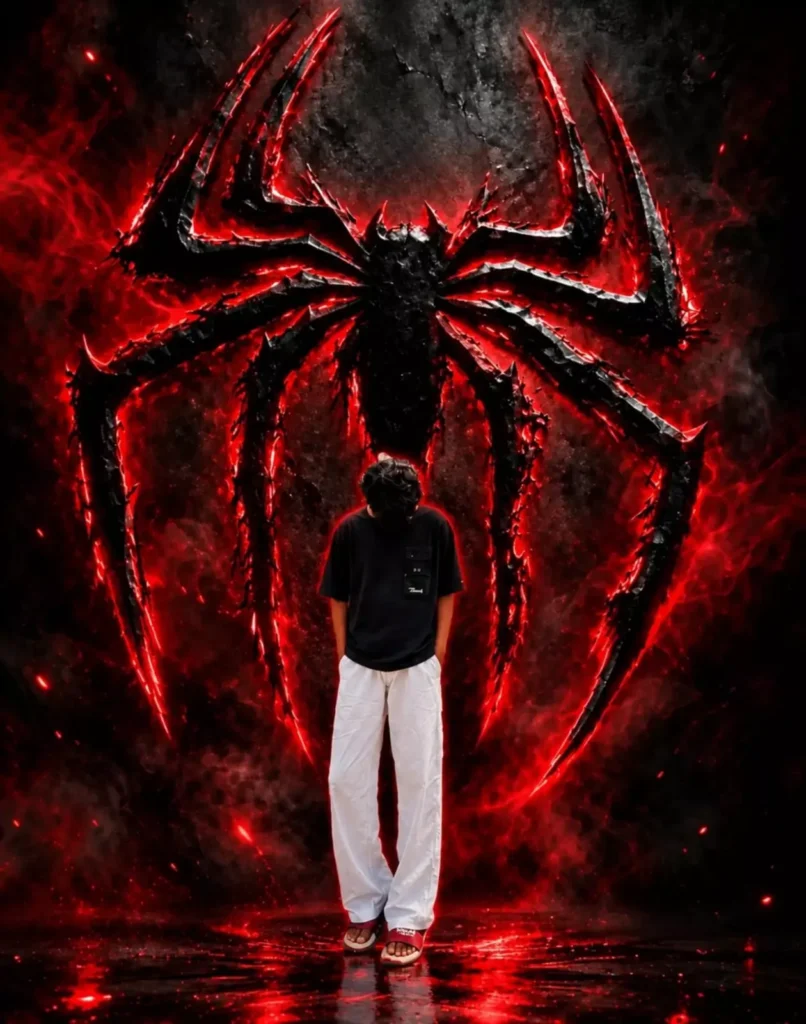
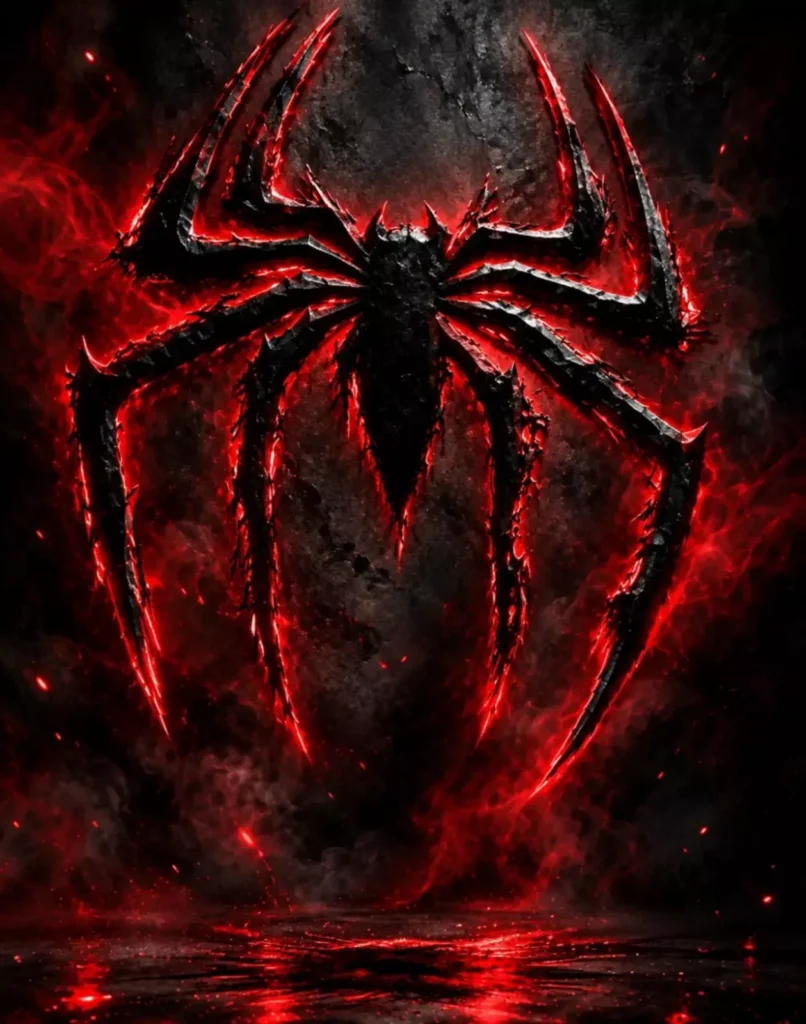
PLACE THIS PERSON IN THE SECOND PHOTO IN A REALISTIC MANNER AND ADJUST THEM TO MATCH THE SECOND PHOTO; DO NOT CHANGE ANYTHING ELSE.

KEEP THE BACKGROUND EXACTLY AS IT IS-DO NOT ALTER IT AT ALL-AND DO NOT CHANGE THE FACE OR BODY SIZE.

ENHANCE THE TAGE TO 8K QUALITY AND SET THE ASPECT RATIO TO 3:4.
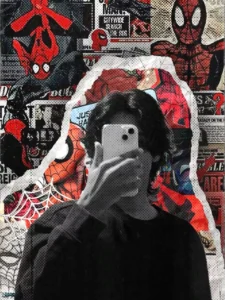
converted to black and white grayscale, placed as a cutout with torn paper edges over a vibrant Spider-Man comic book collage background. The background is filled with red, black, and beige halftone-printed comic panels, newspaper clippings with headlines like "Spidey Saves the Day", spider-web illustrations, and various Spider-Man poses. The person's figure is desaturated while the background remains bold and colorful. Bottom right corner has a "Prequel Advisory - Aesthetic Content" stamp label.

Overall aesthetic is dark, gritty, editorial comic art style. On 1080x1350 Instagram size.
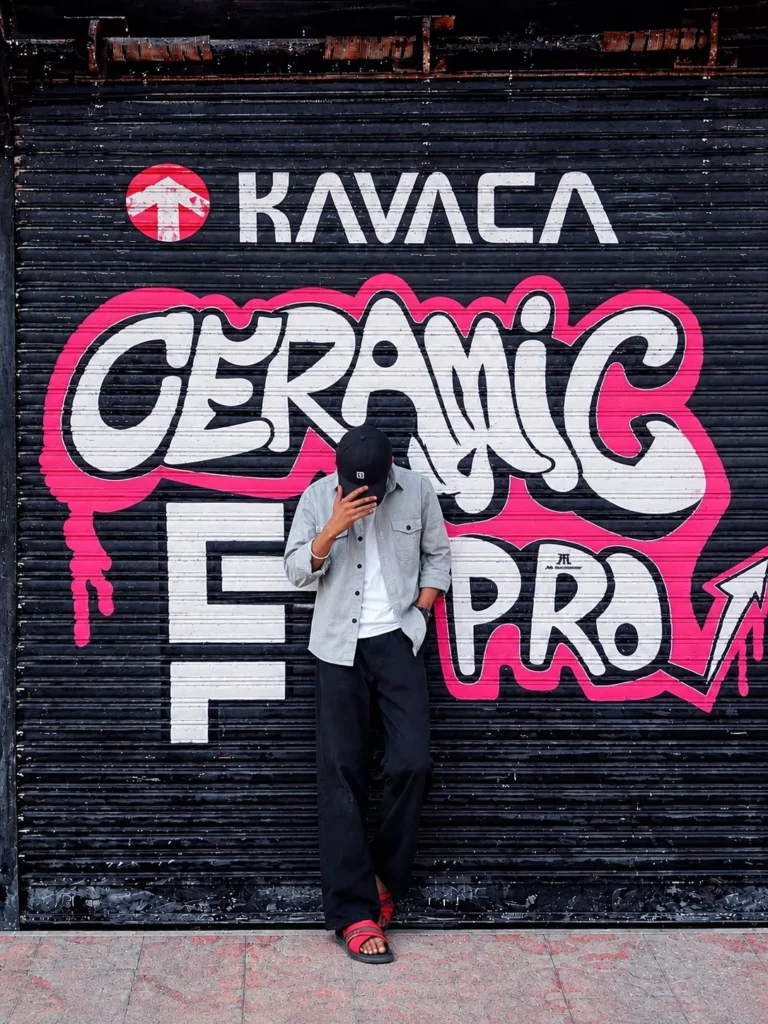
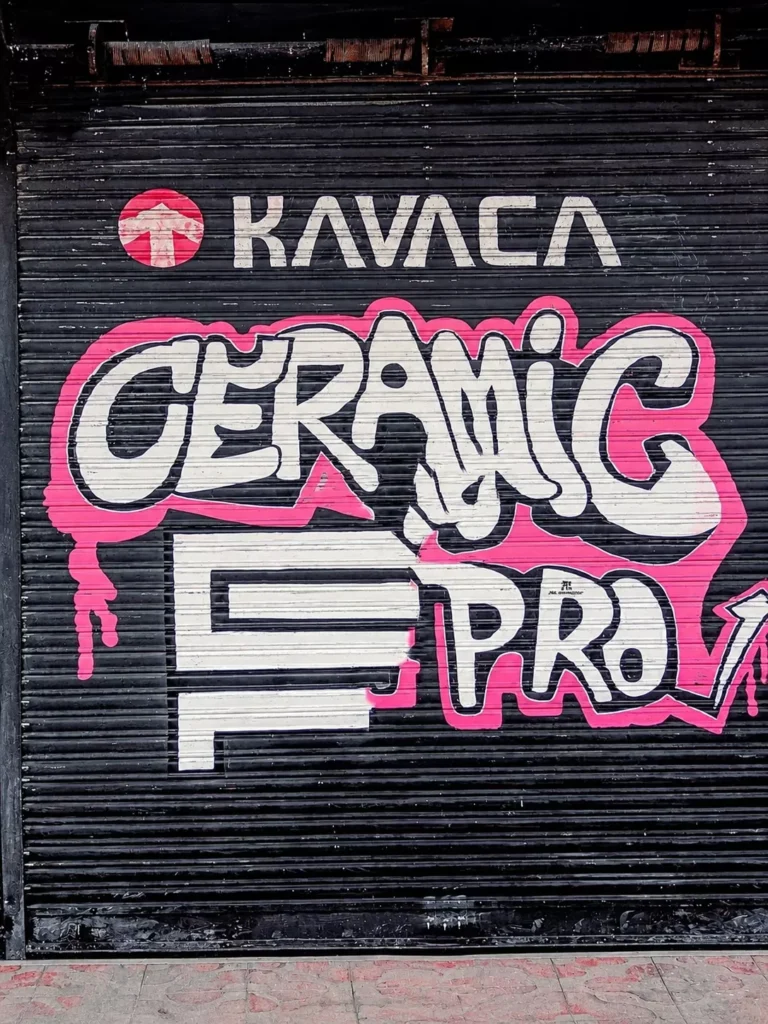
PLACE THIS PERSON IN THE SECOND PHOTO IN A REALISTIC MANNER AND ADJUST THEM TO MATCH THE SECOND PHOTO; DO NOT CHANGE ANYTHING ELSE.

KEEP THE BACKGROUND EXACTLY AS IT IS-DO NOT ALTER IT AT ALL-AND DO NOT CHANGE THE FACE OR BODY SIZE.

ENHANCE THE TAGE TO 8K QUALITY AND SET THE ASPECT RATIO TO 3:4.
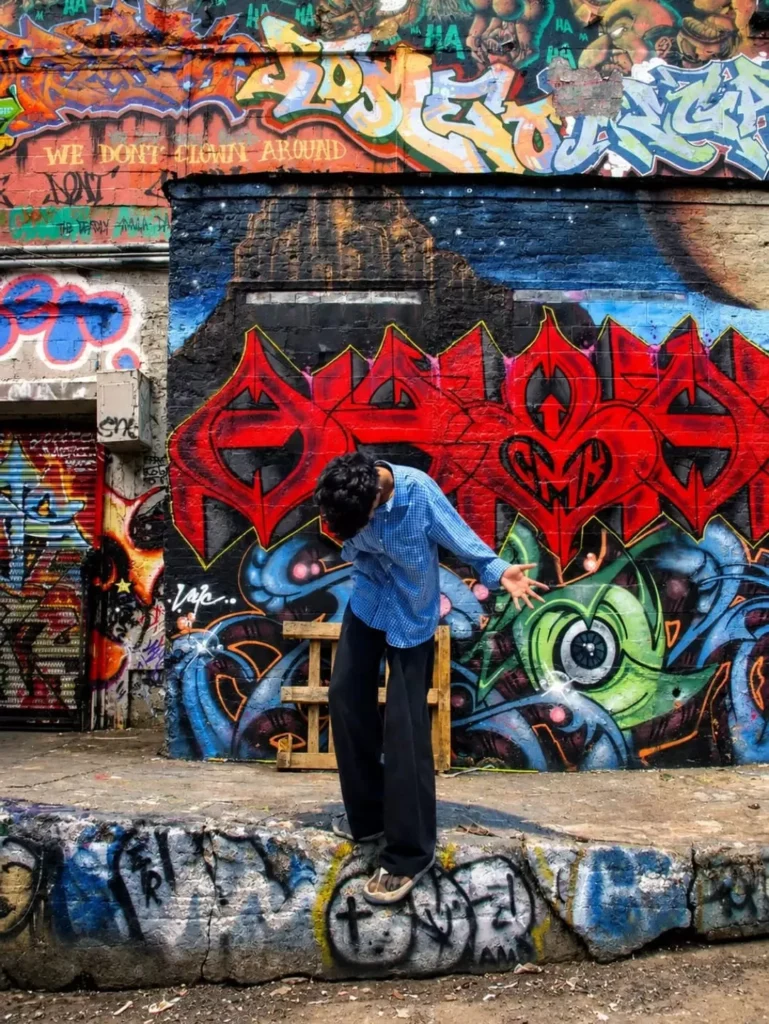
PLACE THIS PERSON IN THE SECOND PHOTO IN A REALISTIC MANNER AND ADJUST THEM TO MATCH THE SECOND PHOTO; DO NOT CHANGE ANYTHING ELSE.

KEEP THE BACKGROUND EXACTLY AS IT IS-DO NOT ALTER IT AT ALL-AND DO NOT CHANGE THE FACE OR BODY SIZE.

ENHANCE THE TAGE TO 8K QUALITY AND SET THE ASPECT RATIO TO 3:4.
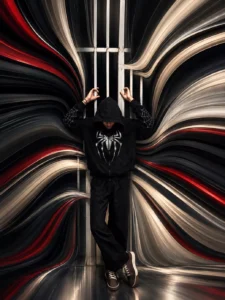
Transform the uploaded image into a premium pixel stretch artwork while keeping the main subject perfectly sharp, detailed, and recognizable.

Extract colors and textures from the subject and extend them into smooth, flowing pixel-stretch ribbons that follow elegant curves and dynamic motion. Create seamless transitions between the original image and stretched areas, avoiding glitches or harsh edges.

The stretched pixels should appear silky, fluid, and organic, like streams of color, light, paint, or energy.

Maintain realistic lighting, depth, shadows, and color harmony. Use cinematic contrast, vibrant colors, HDR quality, ultra-sharp details, modern minimalist composition, luxury digital art styling, Adobe Photoshop pixel stretch effect, gallery

-quality finishing, and ultra-high-resolution 8K for a visually
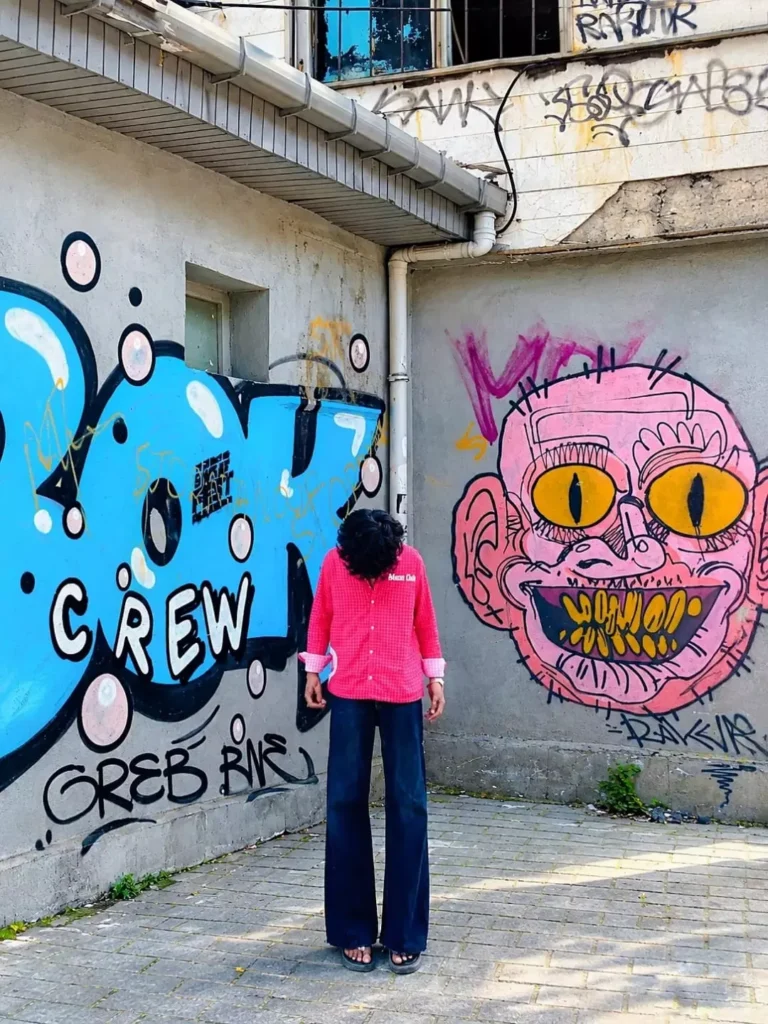
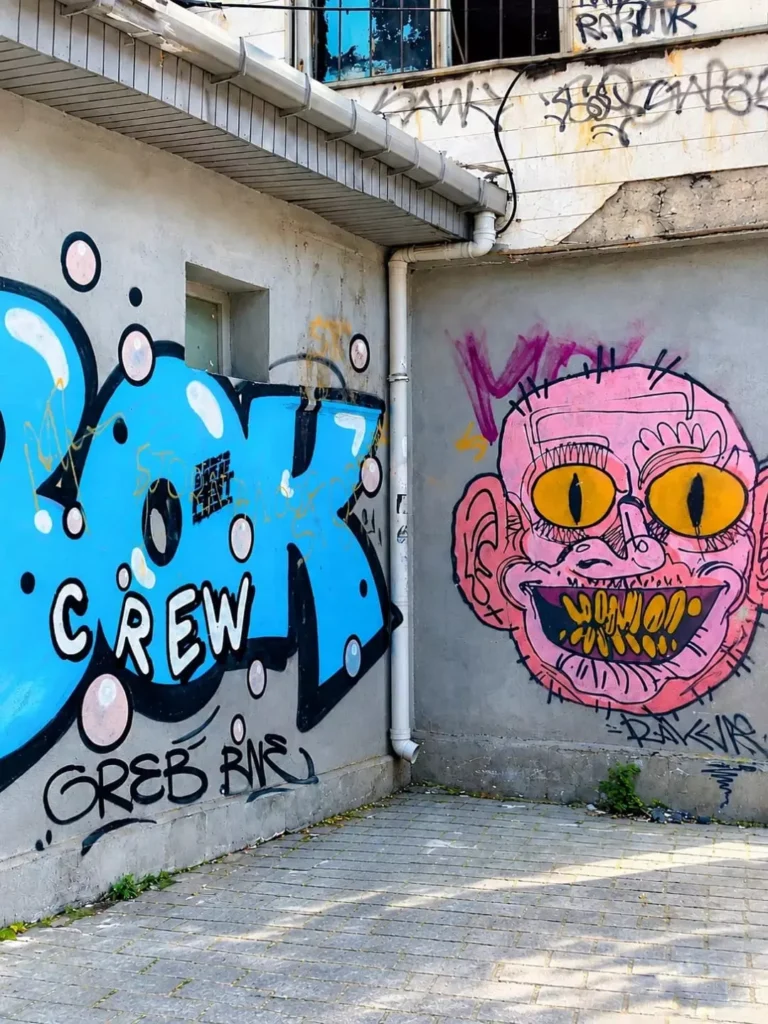
<pre>PLACE THIS PERSON IN THE SECOND PHOTO IN A REALISTIC MANNER AND ADJUST THEM TO MATCH THE SECOND PHOTO; DO NOT CHANGE ANYTHING ELSE.

KEEP THE BACKGROUND EXACTLY AS IT IS-DO NOT ALTER IT AT ALL-AND DO NOT CHANGE THE FACE OR BODY SIZE.

ENHANCE THE TAGE TO 8K QUALITY AND SET THE ASPECT RATIO TO 3:4.
<pre>PLACE THIS PERSON IN THE SECOND PHOTO IN A REALISTIC MANNER AND ADJUST THEM TO MATCH THE SECOND PHOTO; DO NOT CHANGE ANYTHING ELSE.

KEEP THE BACKGROUND EXACTLY AS IT IS-DO NOT ALTER IT AT ALL-AND DO NOT CHANGE THE FACE OR BODY SIZE.

ENHANCE THE TAGE TO 8K QUALITY AND SET THE ASPECT RATIO TO 3:4.
How To Create This Image?
To create these images, you first need a prompt. We have already provided a variety of prompts in the article—you can choose the one that works best for you. Simply copy the prompt you’ve selected, then open ChatGPT. Upload your reference photo (ensure it is a suitable one, as we’ve discussed previously), paste the prompt, and hit generate. Within just a few seconds, it will produce a high-quality image for you—with results that are guaranteed to be excellent.
Conclusion
This way, you’ll be able to easily create viral photos on social media. You’ll get much better results. The editing will be unique. If you follow these correct methods, you’ll be able to fix any shortcomings. If you’re still unsure, ask us in the comments. We’ll explain. How can you do this unique editing?