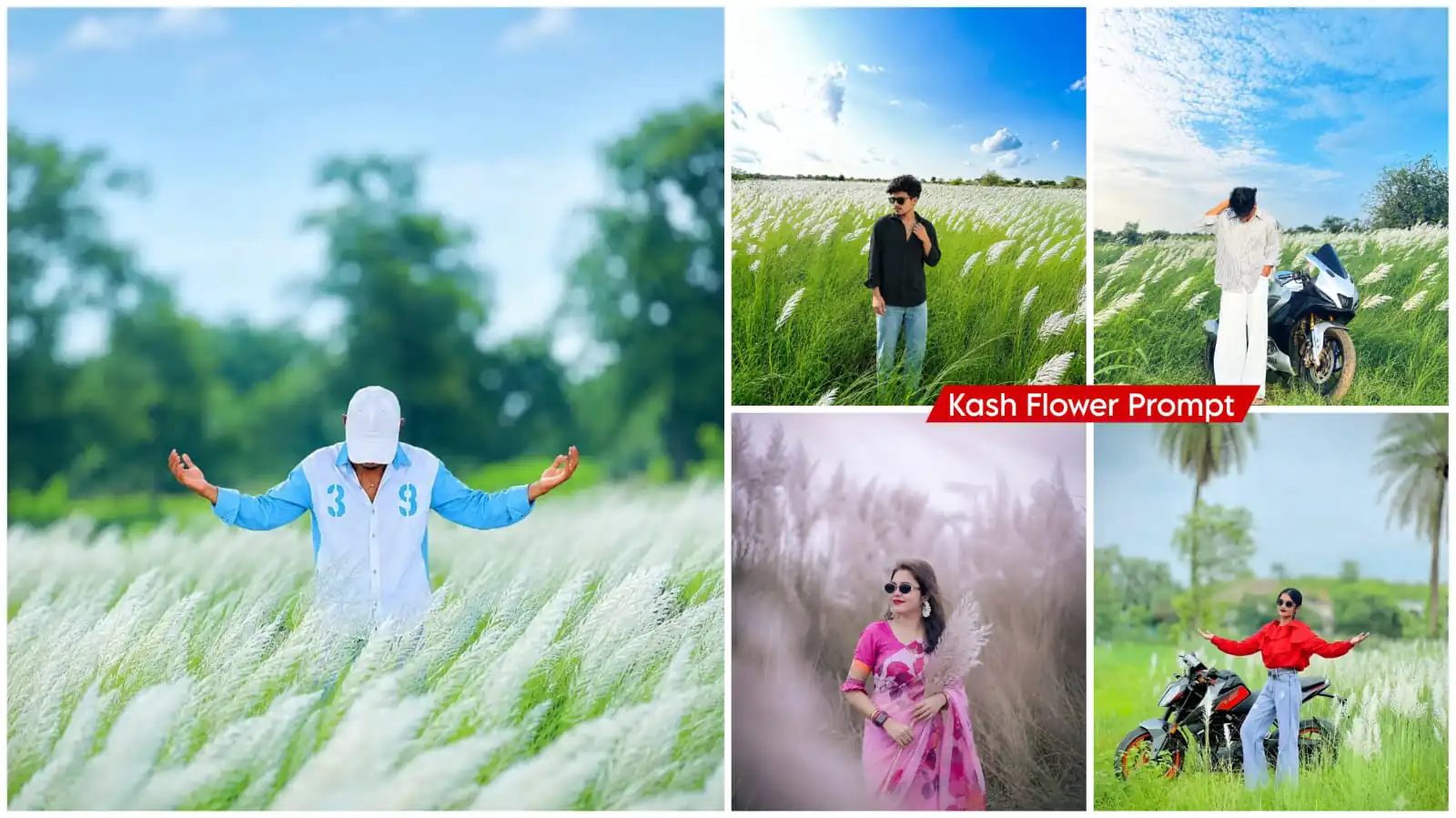
Kash Flower Ai Photo Editing Prompt – Nowadays, such photo editing techniques are trending in photo editing which you are liking a lot. You will see that such special flower photos are liked by a lot of people, in which such people convert their photos into cinematic color editing. If you want your normal photo to be converted into such a photo, then here are two methods for you, but only if you understand them, you will be able to create it well. If you want your editing to give perfect results, then follow this method. With this, your editing will be absolutely perfect and amazing.
Details Of Kash Flower Ai Photo Editing Prompt
What is this ‘Kash flower’ editing trend? Essentially, it is an editing style that presents your ordinary photo in a creative way. You know those natural white flowers—the kind that grow wild in fields or forests rather than being cultivated? You often see people visiting these fields to take photos, resulting in unique-looking shots. Well, we aren’t actually going to visit such a location; instead, we’ll take a simple photo and naturally add these flowers to it ourselves. I think you’ll really like the result once you try it out.
What makes this ‘Kash flower’ editing style so special?
It stands out significantly from other floral settings. The background is unique; unlike other options that offer a variety of colors, this features only white. Set against natural green landscapes, it creates a clean, peaceful visual, which is why it is gaining such popularity. People are drawn to these images—with their serene atmosphere and cinematic look—making the style increasingly popular.
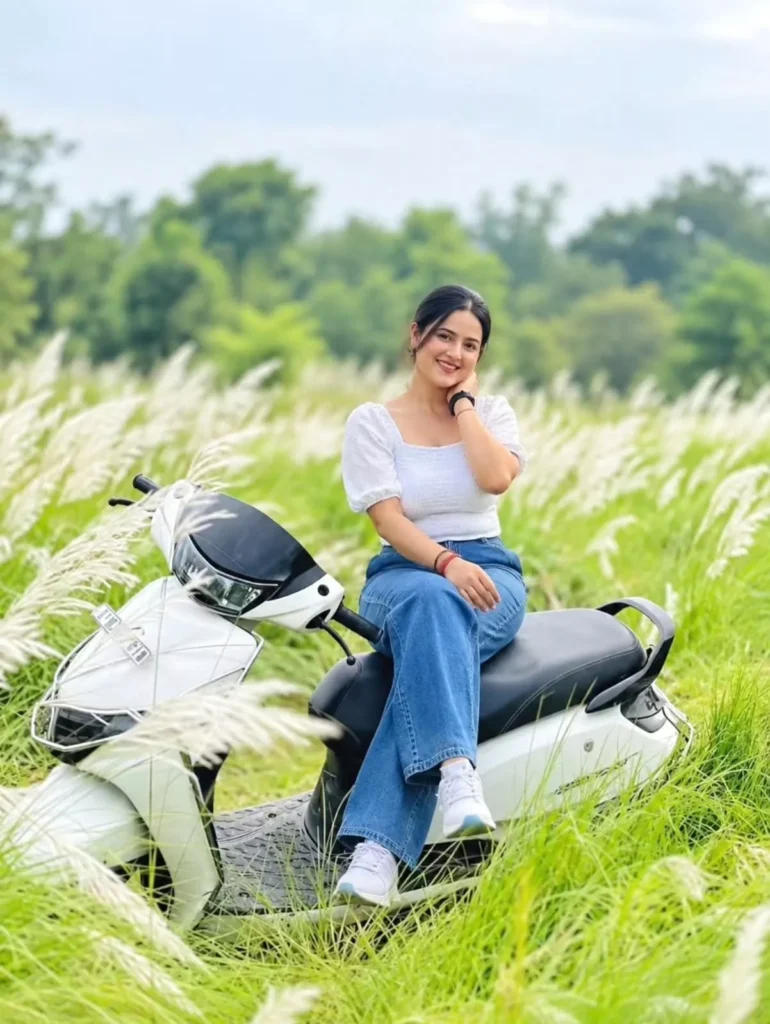
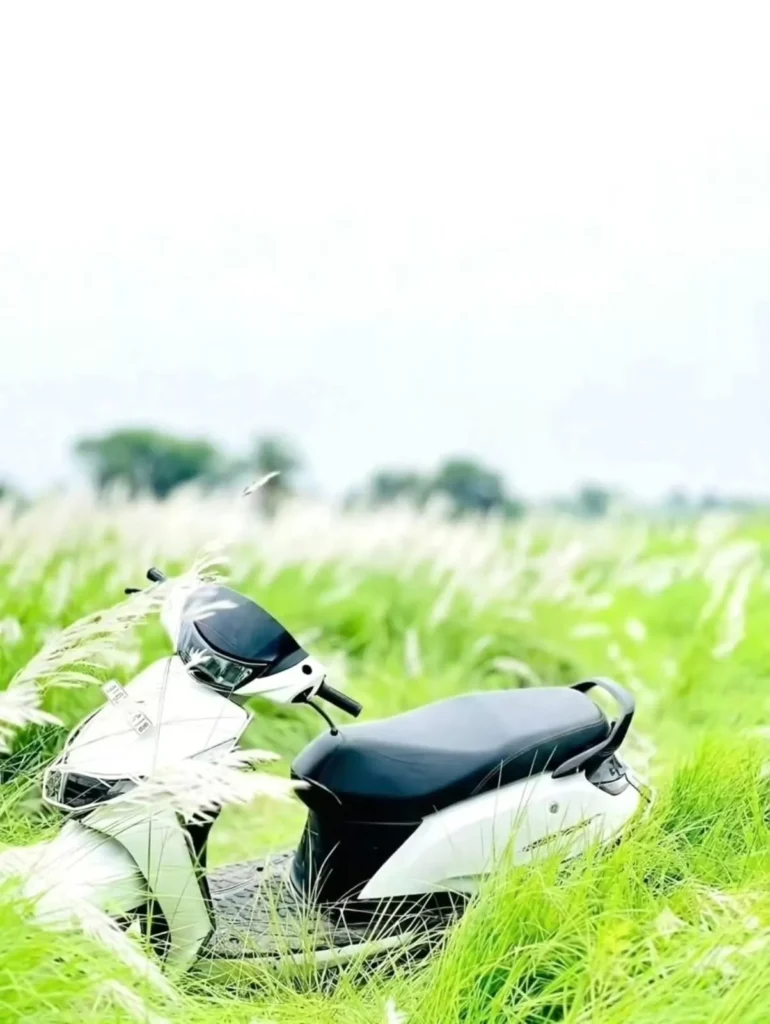
A young girl sitting on a black white scooter in the middle of a fall white grass field during daytime. She is wearing a white top and blue jeans, smiling gently at the camera. Natural outdoor lighting, realistic photography style, blurry green nature background
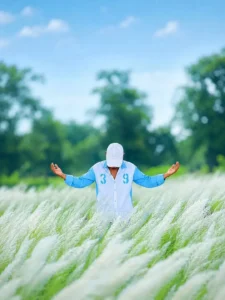
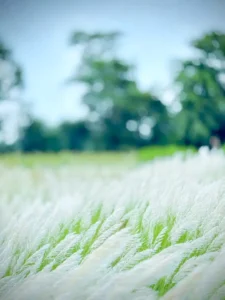
Add the background from the second photo to
the first photo.
Keep the person exactly the same as in the original photo same face, facial features, hairstyle, expression, body proportions, pose, outfit, and accessories, Do not alter, beautity,
reshape, or retouch the face or body.
Make the person fit naturally into the second photo's background with the exact same pose and position. Match the lighting, shadows, perspective, skin tone, colors, depth of field, and overall image quality perfectly, The final result must look completely photorealistic
and seamless, as if the photo was originally
taken in that location. Preserve all natural
details and make it high-quality DSLR-style
photography.
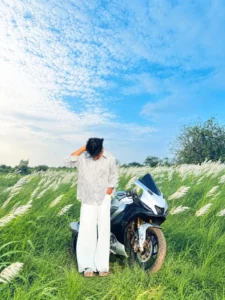
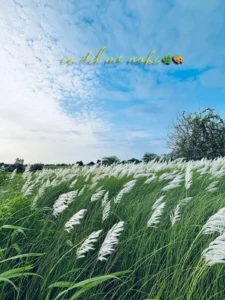
Add the background from the second photo to the first photo.
Keep the person exactly the same as in the original photo same face, facial features, hairstyle, expression, body proportions, pose, outfit, and accessories. Do not alter, beautify, reshape, or retouch the face or body.
Make the person fit naturally into the second photo's background with the exact same pose and position. Match the lighting, shadows, perspective, skin tone, colors, depth of field, and overall image quality perfectly. The final result must look completely photorealistic and seamless, as if the photo was originally taken in that location. Preserve all natural details and make it high-quality DSLR-style photography.
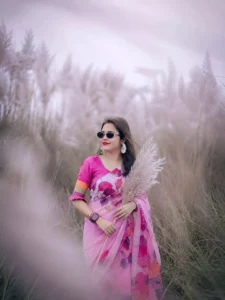
A realistic portrait of a beautiful
Indian woman standing in a field of
tall, feathery pampas grass (Kash
flower field). She is wearing an elegant pink floral saree with ruffled sleeves and dark stylish sunglasses. She holds a stem of fluffy pampas grass near her chest. The background features a tall
field of wild grass under a soft, overcast, misty sky with a muted, pastel pink and purple color tone.
Dreamy atmospheric lighting, shallow
depth of field, soft blur in the
foreground, highly detailed,
photorealistic 8k photo.
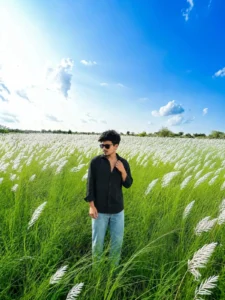
Ultra-realistic high-quality outdoor portrait of a young Indian man standing naturally in a vast green field filled with tall white Kash grass (Kans/Kaash flowers), under a bright vivid blue sky with soft white clouds. Preserve the person's face, hairstyle, skin tone, facial features, body proportions, and overall identity exactly like the reference photo. He is wearing a black full-sleeve button-up shirt with an open collar, light blue relaxed-fit jeans, and black sunglasses. One hand is casually touching the shirt collar while the other hand hangs naturally by his side, looking slightly to the side with a confident, calm expression. Wide scenic composition with the subject centered, tall grass surrounding him, distant green trees on the horizon, bright natural daylight, realistic shadows, detailed grass and flowers, cinematic depth, sharp facial details, professional DSLR photography, natural skin texture, ultra-detailed, 4K/8K quality, photorealistic, Instagram premium photograph
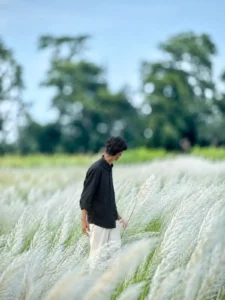
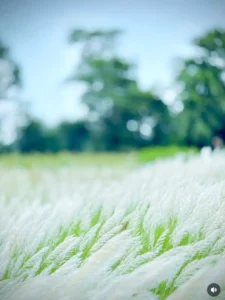
Add the background from the second photo to
the first photo.
Keep the person exactly the same as in the original photo same face, facial features, hairstyle, expression, body proportions, pose, outfit, and accessories, Do not alter, beautity,
reshape, or retouch the face or body.
Make the person fit naturally into the second photo's background with the exact same pose and position. Match the lighting, shadows, perspective, skin tone, colors, depth of field, and overall image quality perfectly, The final result must look completely photorealistic
and seamless, as if the photo was originally
taken in that location. Preserve all natural
details and make it high-quality DSLR-style
photography.
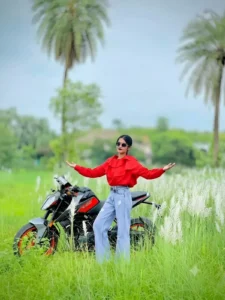
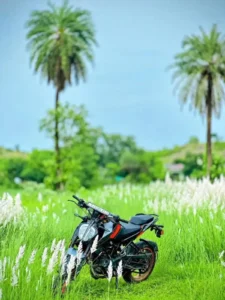
woman in red ruffles and blue wide jeans, posing arms wide with sunglasses, next to a black and orange motorcycle in a green field of tall white kashful grass, under an overcast sky with palm trees."
More Kash Flower Background –
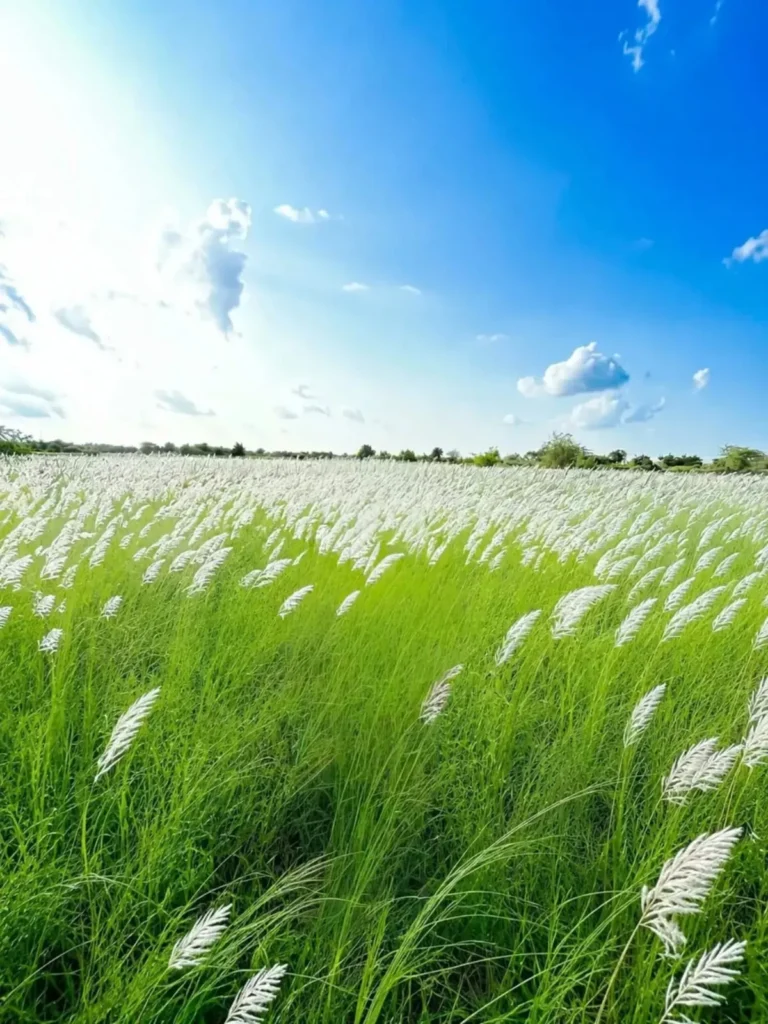
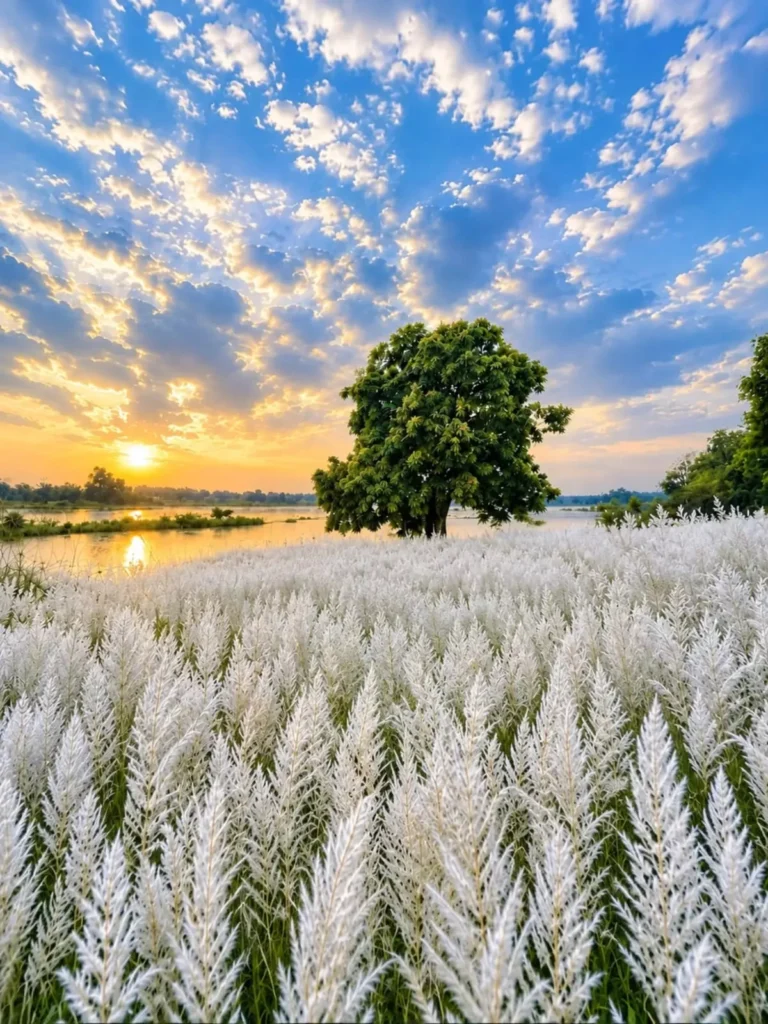
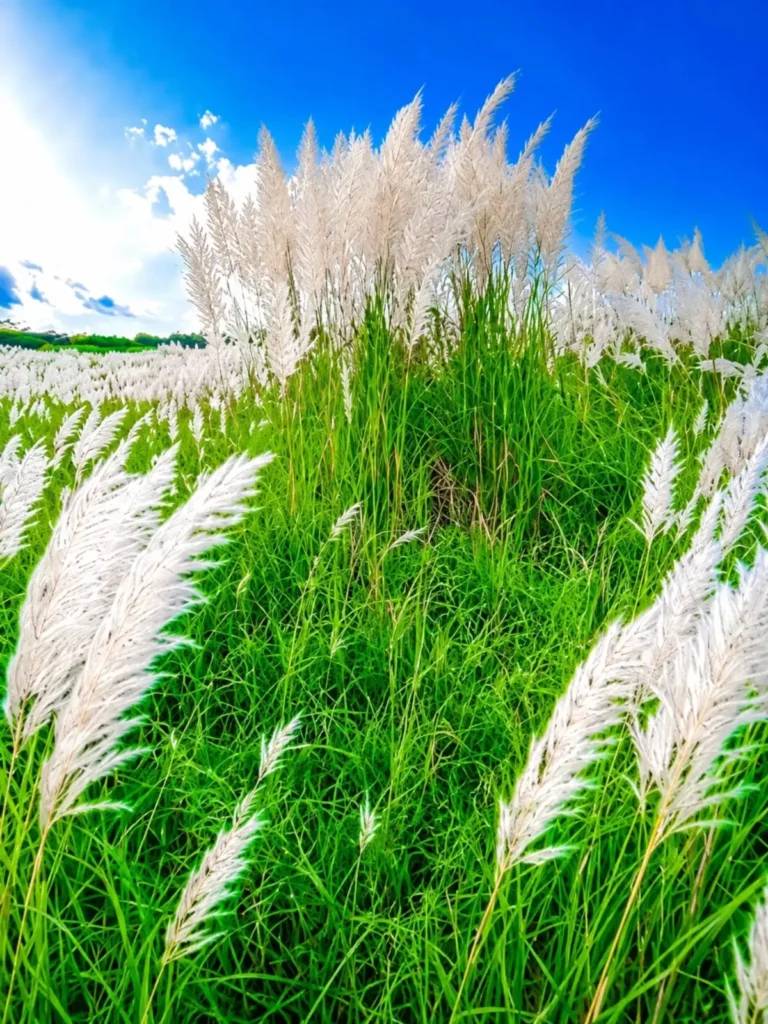
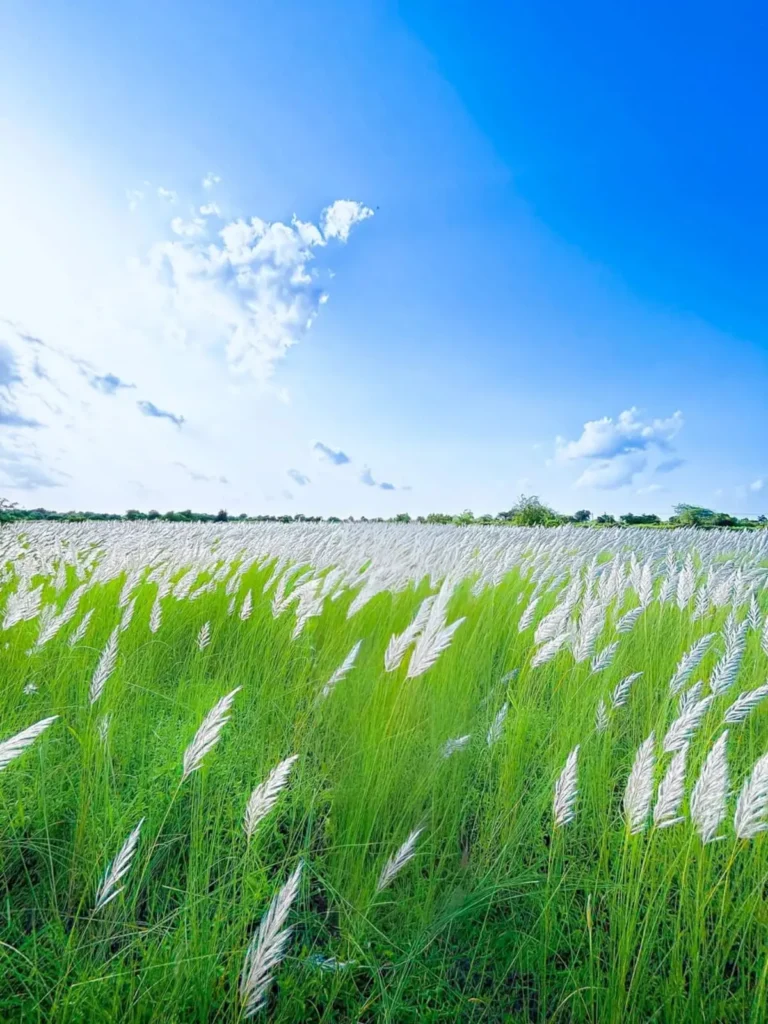
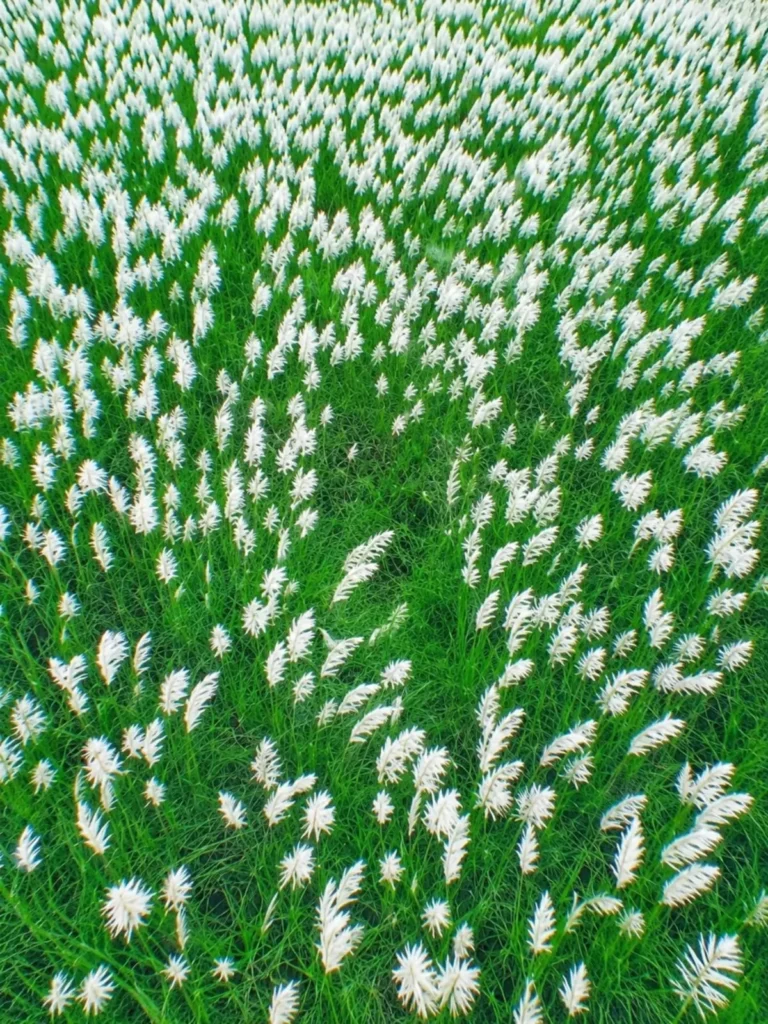
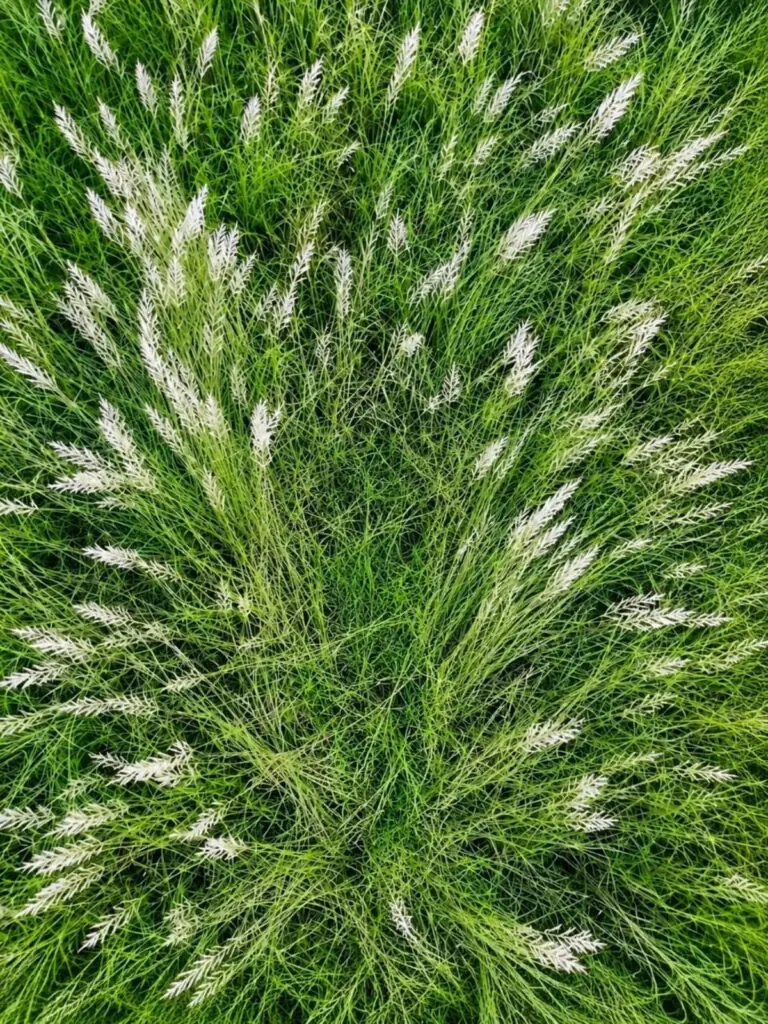
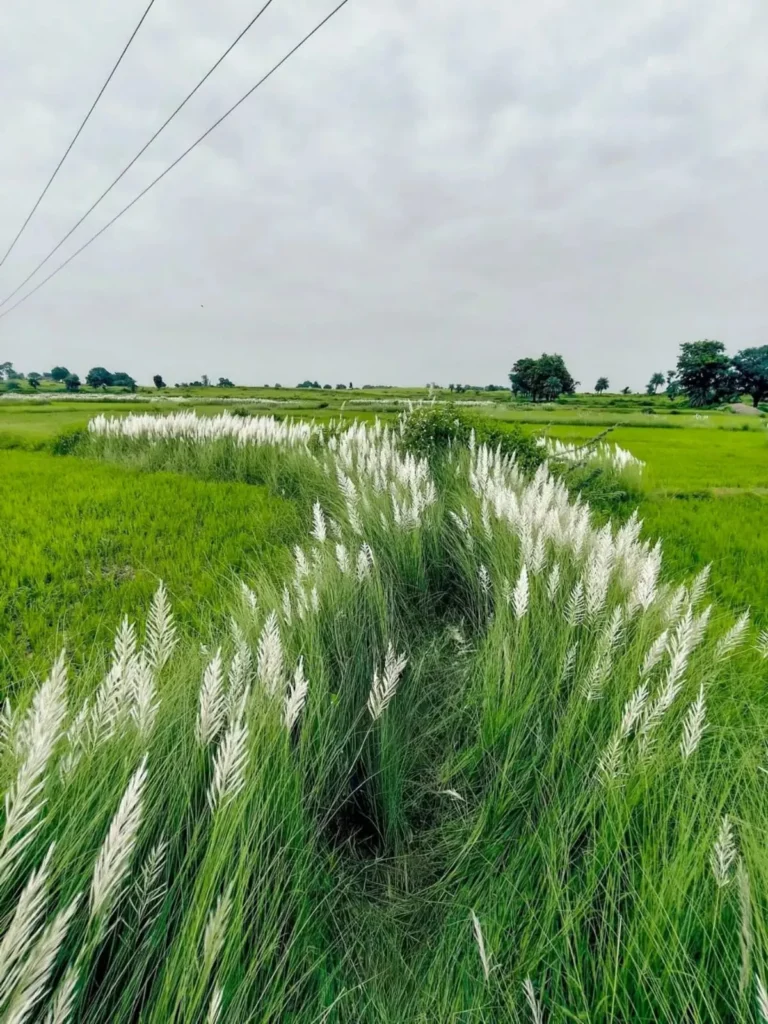
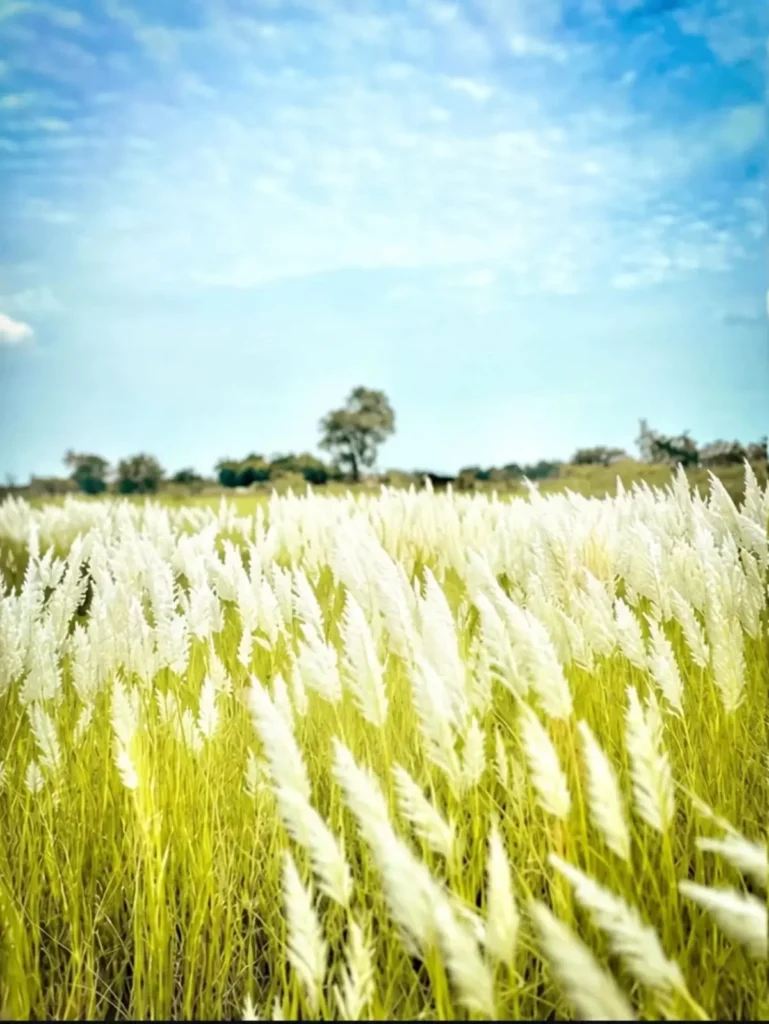
Add the background from the second photo to the first photo. Keep the person exactly the same as in the original photo same face, facial features, hairstyle, expression, body proportions, pose, outfit, and accessories. Do not alter, beautify, reshape, or retouch the face or body. Make the person fit naturally into the second photo's background with the exact same pose and position. Match the lighting, shadows, perspective, skin tone, colors, depth of field, and overall image quality perfectly. The final result must look completely photorealistic and seamless, as if the photo was originally taken in that location. Preserve all natural details and make it high-quality DSLR-style photography.
2 Easy AI Photo Editing Methods:
We will look at this editing process in two ways. In the first method, we use a background along with a prompt; this adds the specific background to your photo. The second method doesn’t require a separate background—you simply use a standard photo, and it transforms the image into that specific style, yielding excellent results. I will explain both methods; simply follow the steps to create your image.
How To Create Image With Background
First, understand what needs to be done: you need to copy a specific prompt and also get the background image—this process involves background-based editing. Save that background image, then open ChatGPT. Upload the background image there, along with your own photo. Next, paste the prompt. Once you hit generate, it will transform your photo into a professional-looking image, yielding excellent results.
How To Create Image With Reference Image
The second method is to first copy the prompt from here. Then upload your photo to Chat Secret. Paste it along with the prompt and generate it. This will give your photo a professional look. You won’t need a background for the style of your prompt. There are two methods. Use whichever one you like best, and you’ll definitely love it. What if you do it right?