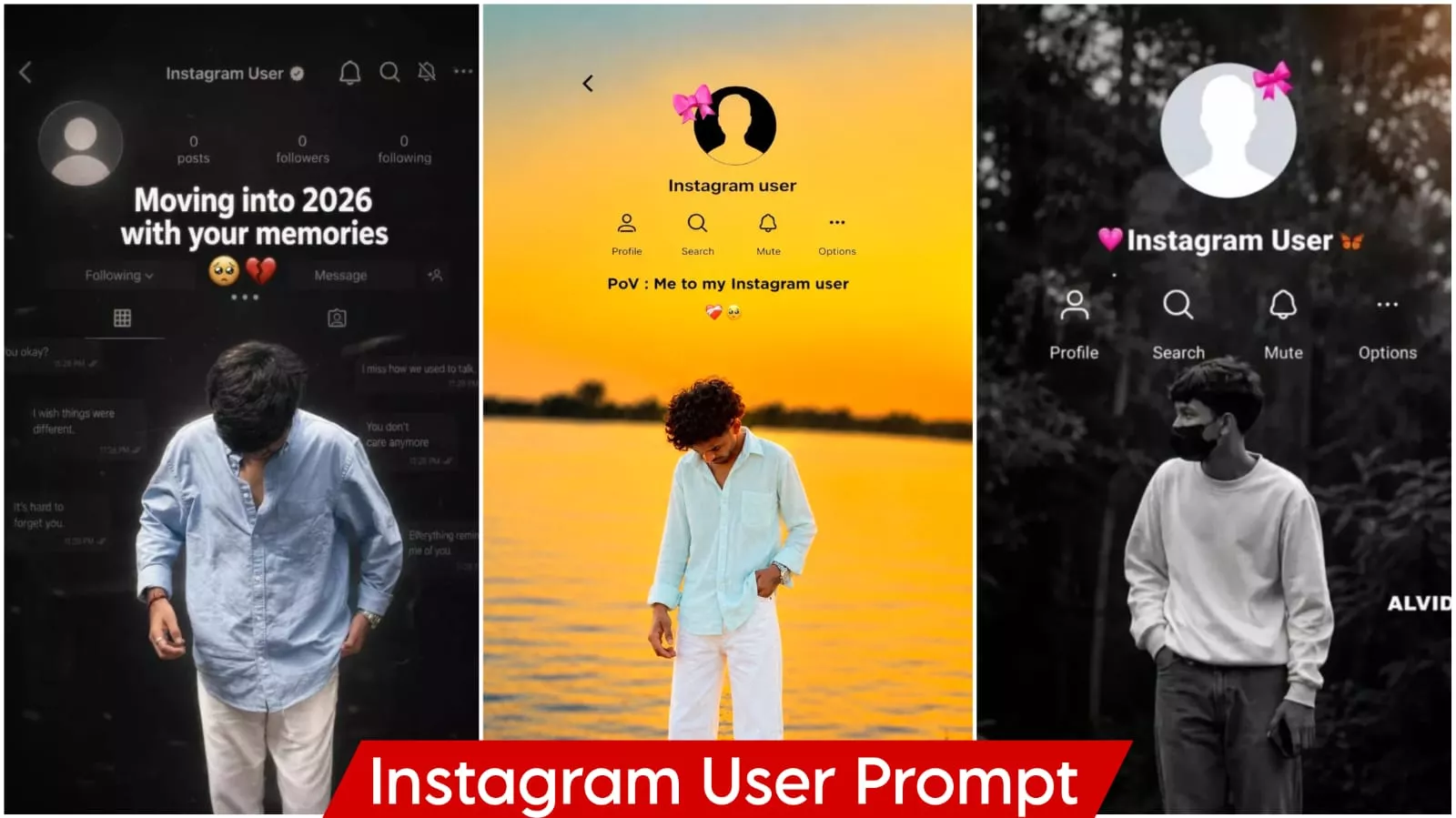
Instagram User Ai Photo Editing Prompts – A new trend has emerged on Instagram where everyone is creating a specific type of viral photo—something I’m going to teach you how to make in this article. This editing style is becoming increasingly popular among creators, so I decided to discuss it and share my experience with you, enabling you to easily create these viral images yourself. You might have seen these viral photos on Instagram featuring a person, overlaid with the Instagram user’s text and the ‘like’ and ‘share’ icons. Creating these manually would typically require advanced editing skills; without them, it would be nearly impossible. However, I’ll show you how to create them even if you are a complete beginner.
How Did This Trend Suddenly Go Viral?
It’s not just about uploading ordinary photos to social media; it’s about high-quality content that appeals to Instagram users. The real appeal lies in the fact that when these photos are uploaded, users feel a personal connection to them. It creates a visual illusion that captivates people—which is exactly why this trend is gaining so much traction. You can use it for your Stories, Highlights, or even when you’re feeling a bit down; it allows you to present things in a unique way. It’s a trending editing style, so you should definitely give it a try—your edits could go viral too.
Instagram User Ai Photo Editing Prompts
Let me explain what makes this type of photo editing special. Many people might assume it is just another passing trend, but that is not the case; it is a specific trend tailored for Instagram—and content associated with Instagram tends to go viral easily. You will notice a layout resembling an Instagram profile interface, complete with the username and the standard ‘like’ and ‘share’ options. Crucially, pay attention to the photo itself: it is edited with a dark tone, featuring a completely black background. This dark aesthetic is highly popular on social media, which is why these types of photos are currently going viral.
Update – Photos of similar Instagram profiles of similar users were going viral. Now, some aesthetic photos are becoming increasingly viral, so I decided to include them in this article, as the rest of the editing was similar.
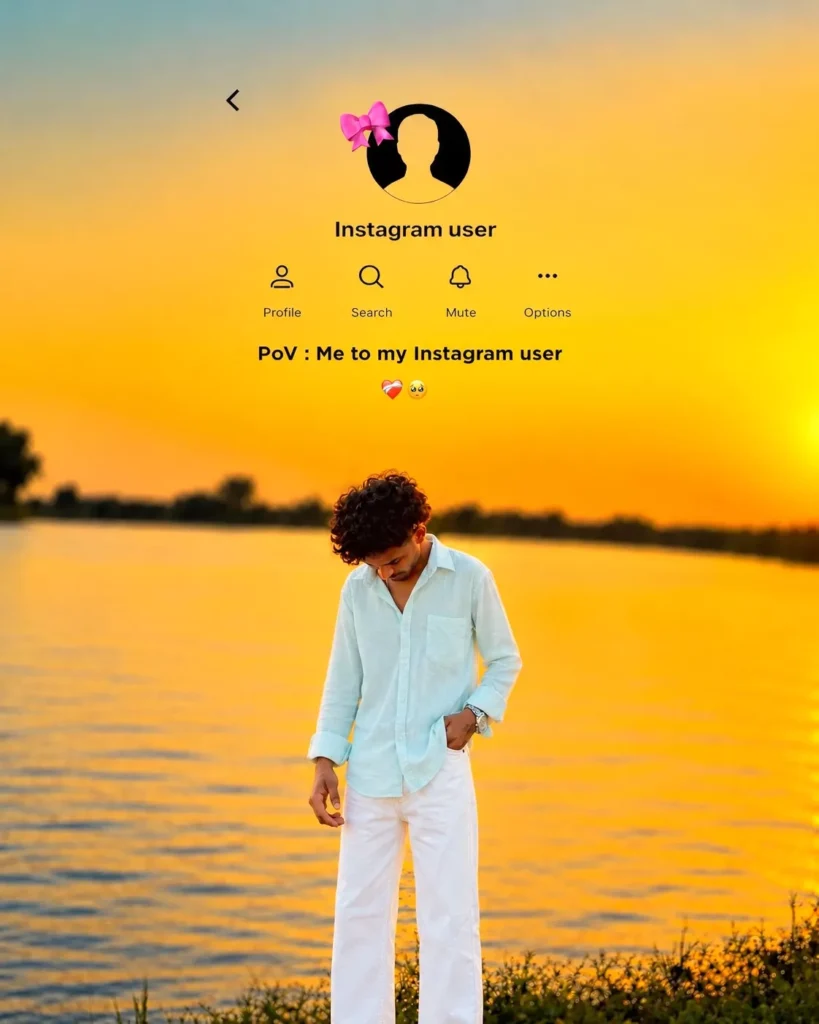
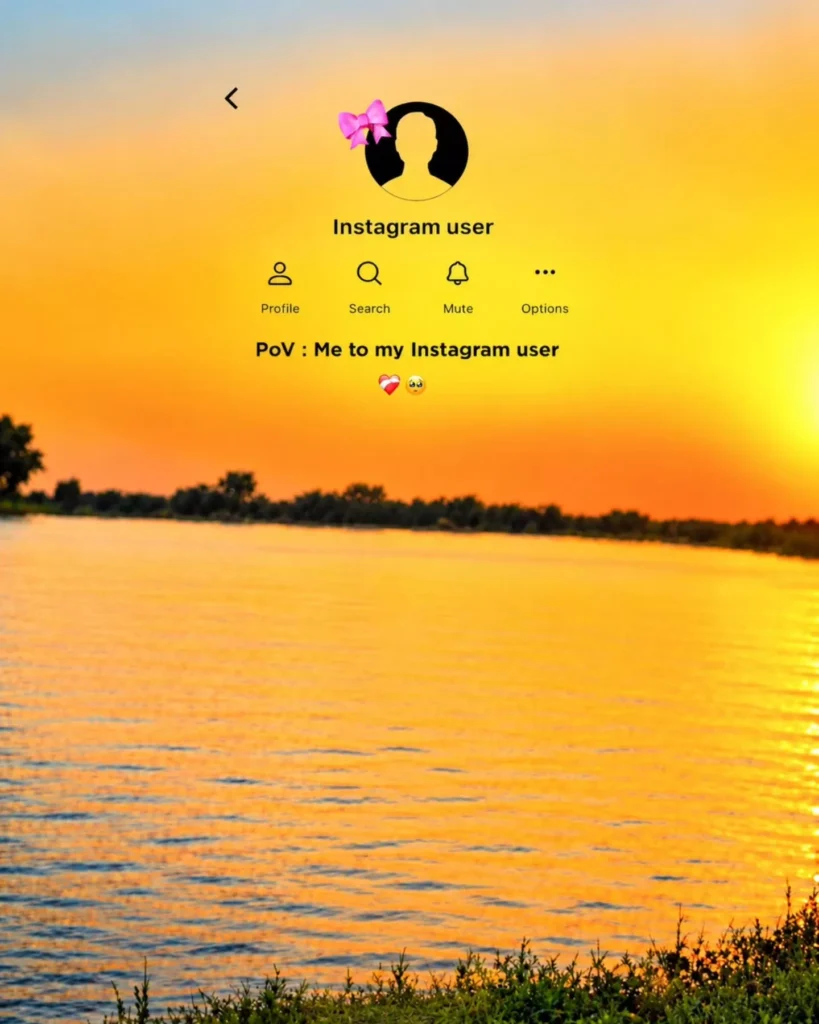
Merge my photo with a golden-orange sunset lake background. Keep my face, hairstyle, and outfit unchanged. Add an Instagram profile overlay at the top with a pink bow avatar, "Instagram user," Profile, Search, Mute, Options icons, and text "PoV: Me to my Instagram user". Realistic, cinematic, 9:16 portrait.
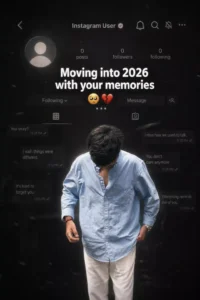
Create a dark, emotional Instagram heartbreak memories edit using the uploaded photo. Keep the person's face, hairstyle, skin tone, body shape, clothes, and pose 100% unchanged. Do not modify identity. Design: • Background should be dark, faded, and slightly blurred. • Add a large semi-transparent Instagram profile interface behind the subject. • Profile picture should appear removed with a default Instagram avatar. • Username: "Instagram User" • Add Profile, Search, Mute, and Options icons. • Use a black and grey color theme with a soft vignette. • Add subtle film grain, motion blur, dust particles, and cinematic lighting. • Place the subject at the bottom center with a soft shadow. Text (large bold white font): "Moving into 2026 with your memories" Below the text add: 🥺💔... Additional effects: • Broken heart emoji 💔 • Sad emoji 🥺 • Faded chat/message overlays in the background. • Instagram aesthetic, nostalgic breakup vibe. • Moody color grading with low saturation. • High contrast, realistic photo edit. • Soft glow around the subject. • Premium viral Instagram reel thumbnail style. • Ultra HD, photorealistic, 4K quality. • No cartoon, no anime, no AI-looking face. • Keep everything natural and cinematic.
Ratio 9:16
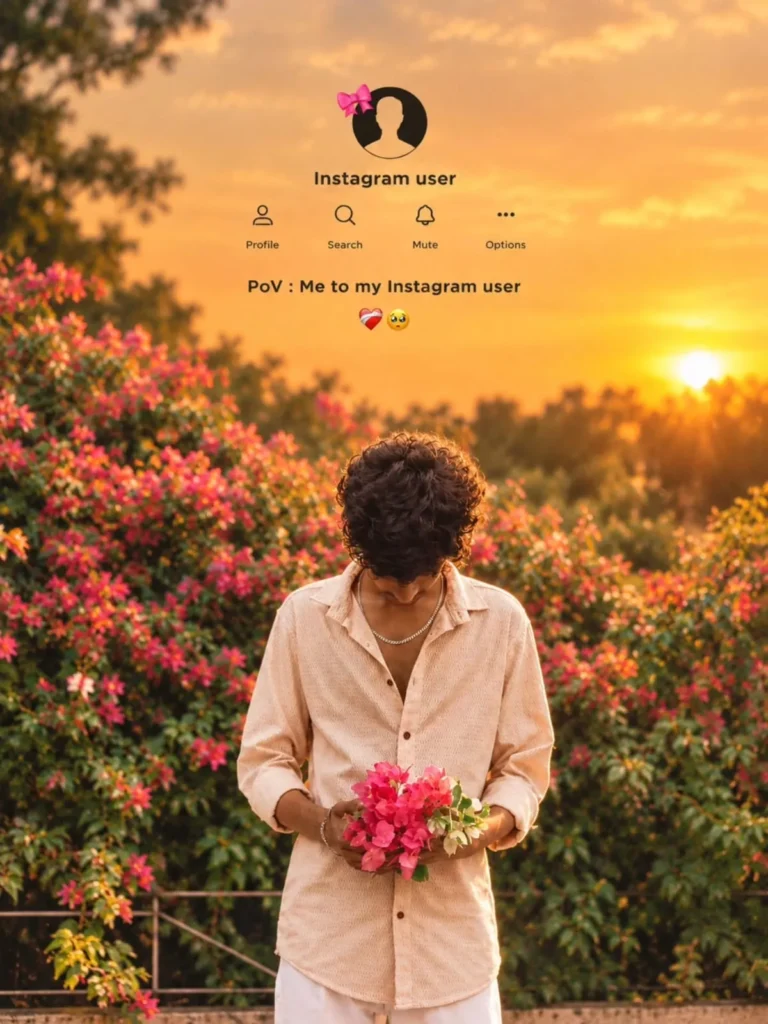
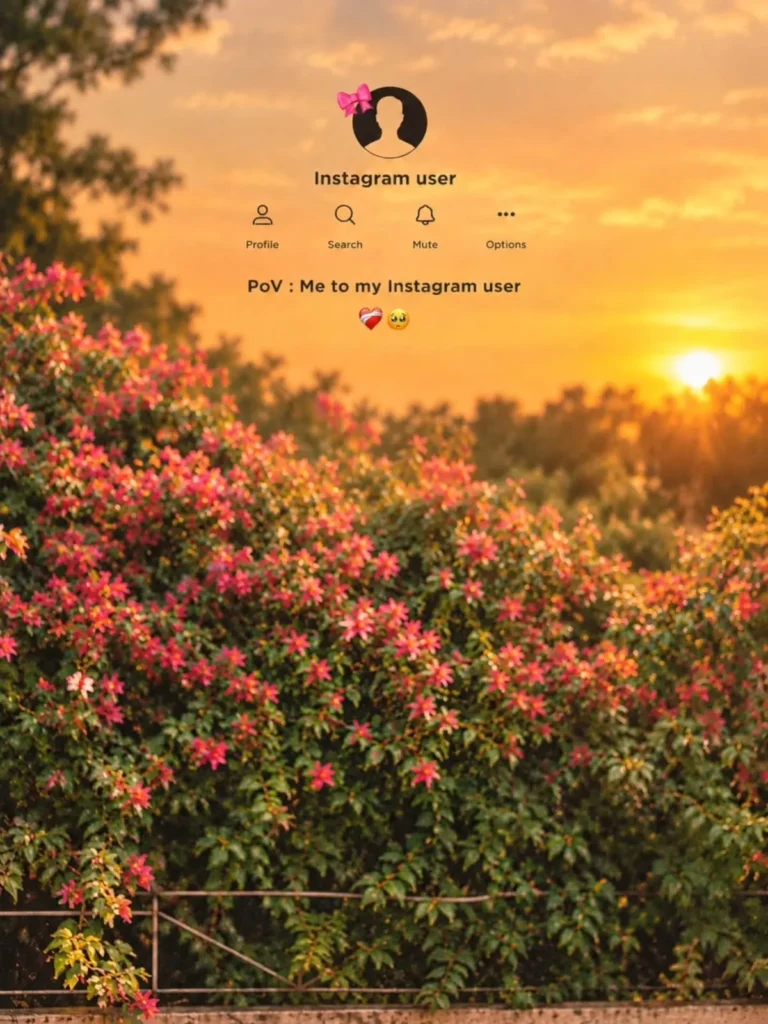
Merge my photo with a golden-orange sunset lake background. Keep my face, hairstyle, and outfit unchanged. Add an Instagram profile overlay at the top with a pink bow avatar, "Instagram user," Profile, Search, Mute, Options icons, and text "PoV: Me to my Instagram user". Realistic, cinematic, 9:16 portrait.
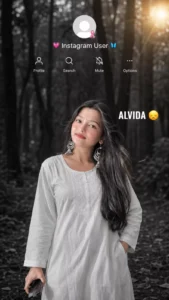
Create an ultra-realistic cinematic portrait using my uploaded reference image as the ONLY face reference. Preserve my exact facial identity, facial structure, skin tone, hairstyle, eyes, nose, lips, expression, and overall appearance with 100% identity consistency. Show me as a beautiful young Indian woman standing in a dense forest, facing directly toward the camera (front-facing pose) with natural eye contact and a soft, emotional expression. No face mask, no sunglasses, nothing covering the face. She is wearing a simple elegant white cotton kurti with full sleeves and minimal accessories. One hand is in the kurti pocket (or relaxed naturally at her side if no pocket), while the other hand holds a smartphone.

Apply a dramatic black-and-white cinematic color grade with a soft golden sunlight flare in the top-right corner, shallow depth of field, blurred forest background, DSLR photography, HDR, ultra-realistic skin texture, natural lighting, 85mm lens, f/1.8, 8K quality.

At the top of the image, recreate the Instagram profile interface exactly like the reference. Use a plain transparent UI overlay only. The profile picture should be the default blank Instagram avatar with a small pink ribbon. Below it, display the username "💗 Instagram User 🦋" as simple white text only. DO NOT place the username inside any box, pill, banner, label, card, gradient, glow, shadow, or colored background. The text must appear directly over the image exactly like the reference screenshot. Below the username, add the Profile, Search, Mute, and Options icons with their labels in white, matching Instagram's original layout and spacing. Add the text "ALVIDA 😞" on the right side in bold white. Keep the UI minimal, clean, seamlessly blended into the image without any extra graphics or backgrounds. Vertical 9:16 aspect ratio.
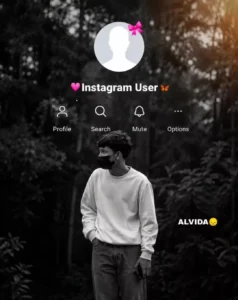
Create an ultra-realistic cinematic portrait using my uploaded reference image as the ONLY face reference. Preserve my exact facial identity, hairstyle, skin tone, facial structure, eyes, nose, lips, expression, and overall appearance with 100% identity consistency. Show me standing in a dense forest, facing directly toward the camera (front-facing pose), making natural eye contact. No face mask, no sunglasses, nothing covering the face. I am wearing an oversized white sweatshirt, loose grey pants, and holding a smartphone in one hand while the other hand is in my pocket. Apply a dramatic black-and-white cinematic color grade with a soft golden sunlight flare in the top-right corner, shallow depth of field, DSLR quality, HDR, 8K.
At the top of the image, recreate the Instagram profile interface exactly like the reference. Use a plain transparent UI overlay only. The profile picture should be the default blank Instagram avatar with a small pink ribbon. Below it, display the username "💗 Instagram User 🦋" as simple white text only. DO NOT place the username inside any box, pill, banner, label, card, gradient, glow, shadow, or colored background. The text must appear directly over the image exactly like the reference screenshot. Below the username, add the Profile, Search, Mute, and Options icons with their labels in white, matching Instagram's original layout and spacing. Add the text "ALVIDA 😞" on the right side in bold white. Keep the UI minimal, clean, and seamlessly blended into the image without any extra graphics or backgrounds. Vertical 9:16 aspect ratio.
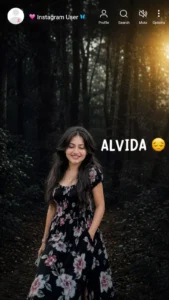
**Use the uploaded reference image as the ONLY face and body reference. Replace ONLY the original person with the reference person while keeping the exact same pose, position, scale, and natural blending. Keep everything else 100% identical: the same forest background, black-and-white cinematic look, golden light in the top-right corner, and the Instagram profile UI perfectly centered at the top. Keep the profile picture, username "💗 Instagram User 🦋", and the Profile, Search, Mute, and Options icons in the exact same position, spacing, size, and style. Keep the "ALVIDA 😞" text in the exact same right-side position. Do not add any white box, white background, label, banner, glow, or highlight behind any text or UI elements. All text and icons must appear directly on the image with a transparent background, exactly like the original. Do not move, resize, or redesign any element. Only replace the subject. Ultra-realistic, HDR, DSLR, 8K, vertical 9:16.
How To Create This Image?
First, learn how to create the image; we’ll cover the rest later. Creating the image is actually quite simple. You’ll find the prompts right here—I’ve shared several of them in the article. I’ve curated all the latest trending styles so you won’t face any issues; simply select and copy the prompt you want. Next, open ChatGPT, click the plus (+) icon, and upload a photo to serve as a reference—the AI will use it to create your new image. Finally, paste the prompt and hit generate; your image will be ready in just a few seconds.
What Is The Biggest Advantage Of A Trend?
Consider this: ordinary photos often get lost in the timeline, but a photo created in the style of the Instagram interface grabs the most attention on such social media platforms—and that is exactly what people want: for their photos to catch people’s eyes. If your photo is grabbing attention, it means it is likely to go viral.
Conclusion
I hope you enjoyed the trend. We’ve provided full editing assistance so you can create a great photo with a good result. I don’t think you’ll face any other difficulties. If you encounter any problems or can’t understand something, you can ask us, “Brother, I’m facing this problem. Tell us the solution. We’ll definitely tell you.” How can you solve this type of editing or create it?